Hello everyone!
After a long period of studying the JieLi AC6925A SDK and experimenting with the BT201 platform, I decided to finally release my custom firmware project: **MagicJL SYS / MagicJL PLUS**.
The project started as an attempt to learn the JieLi SDK and build a proper interface for an SSD1306 128×64 OLED. Over time, it grew into a substantially redesigned firmware with a custom launcher, applications, audio features, recording, multilingual support, and many fixes to the original SDK/application behavior.
The main target is the JieLi AC6925A / BT201 with an SSD1306 128×64 monochrome OLED.
--Main Features--
Music Player
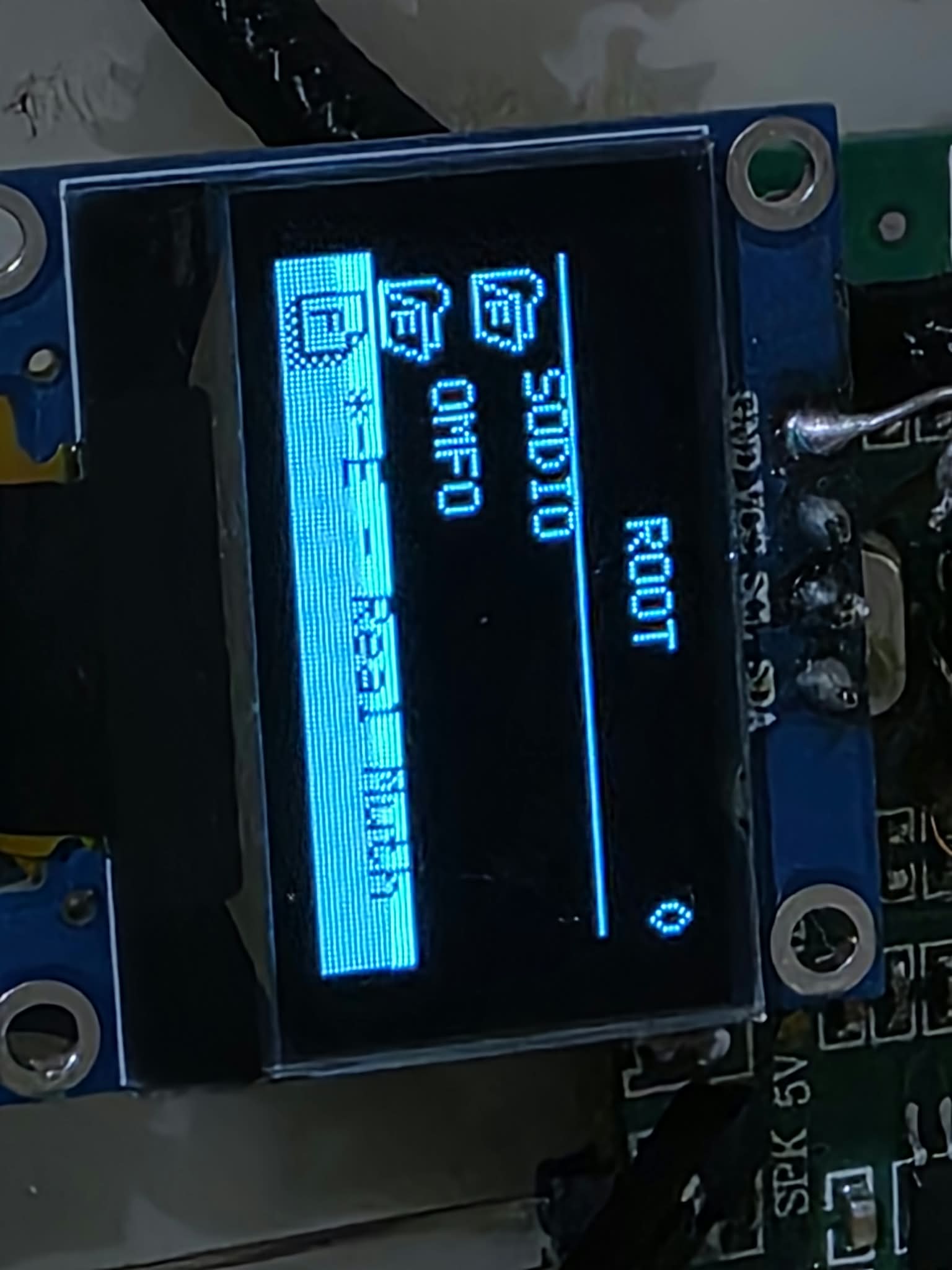
The firmware includes a redesigned music player and file browser with:
* USB music playback
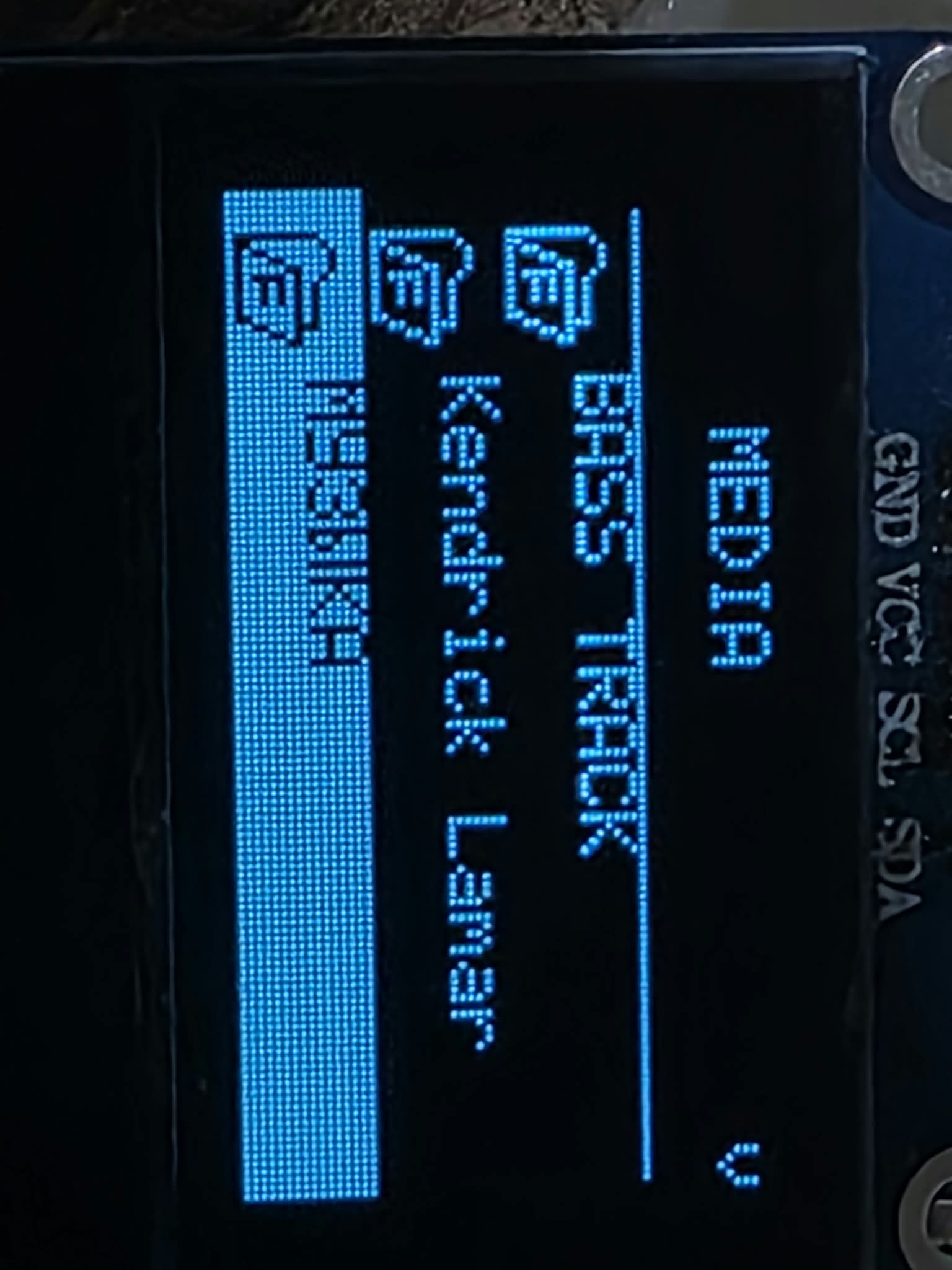
* File browser
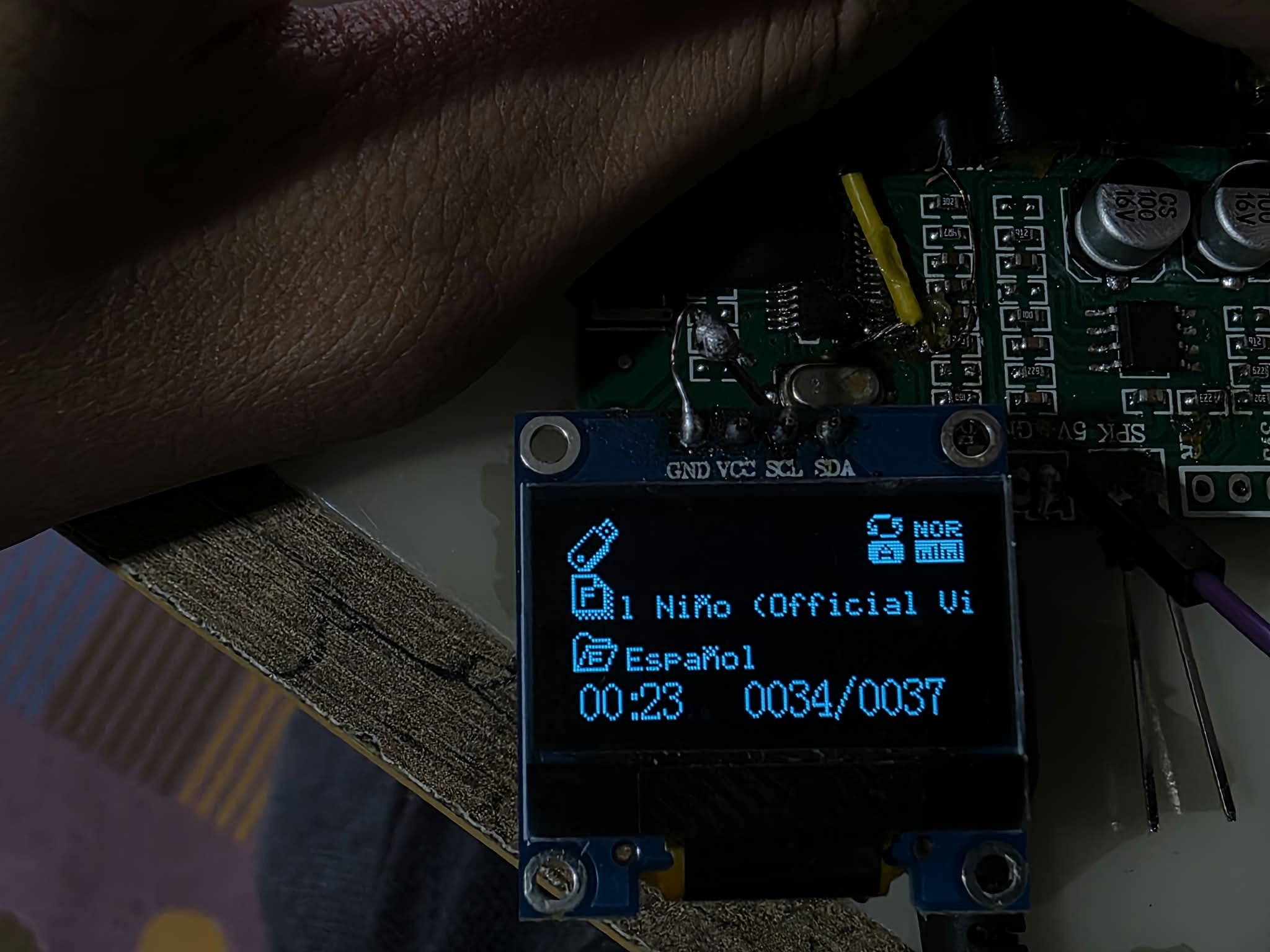
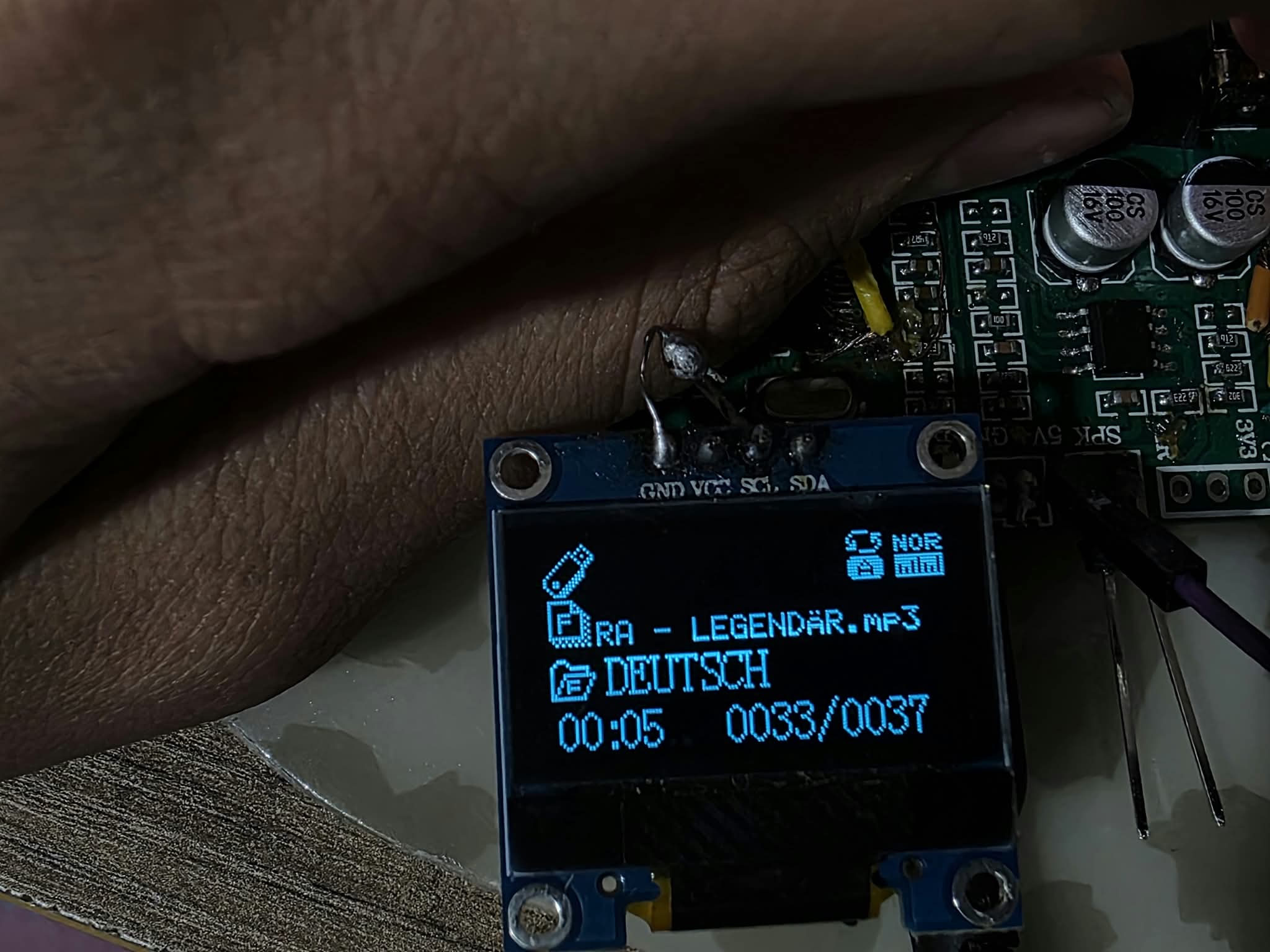
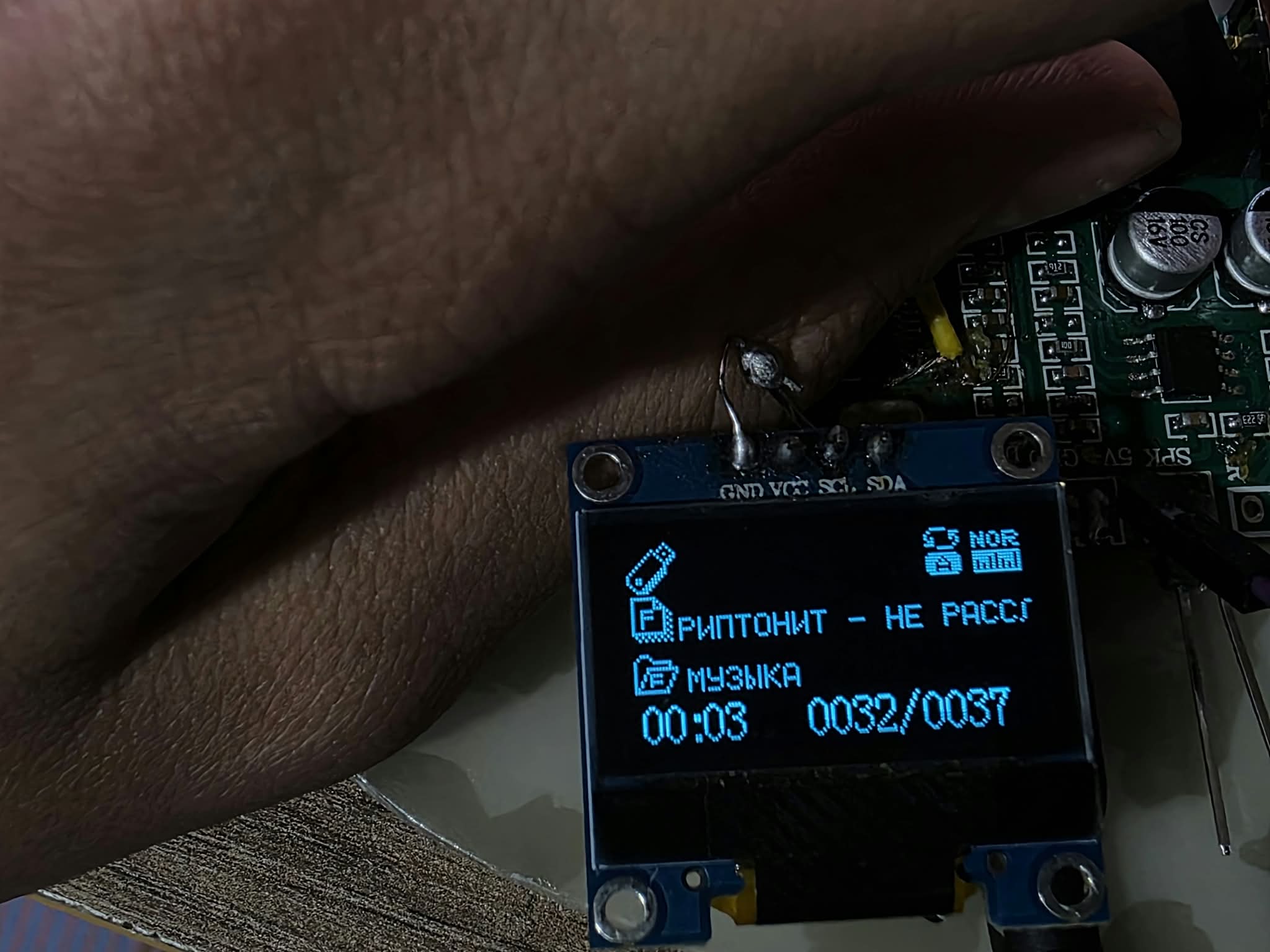
* Long filename support
* Playback-position preservation
* Repeat modes
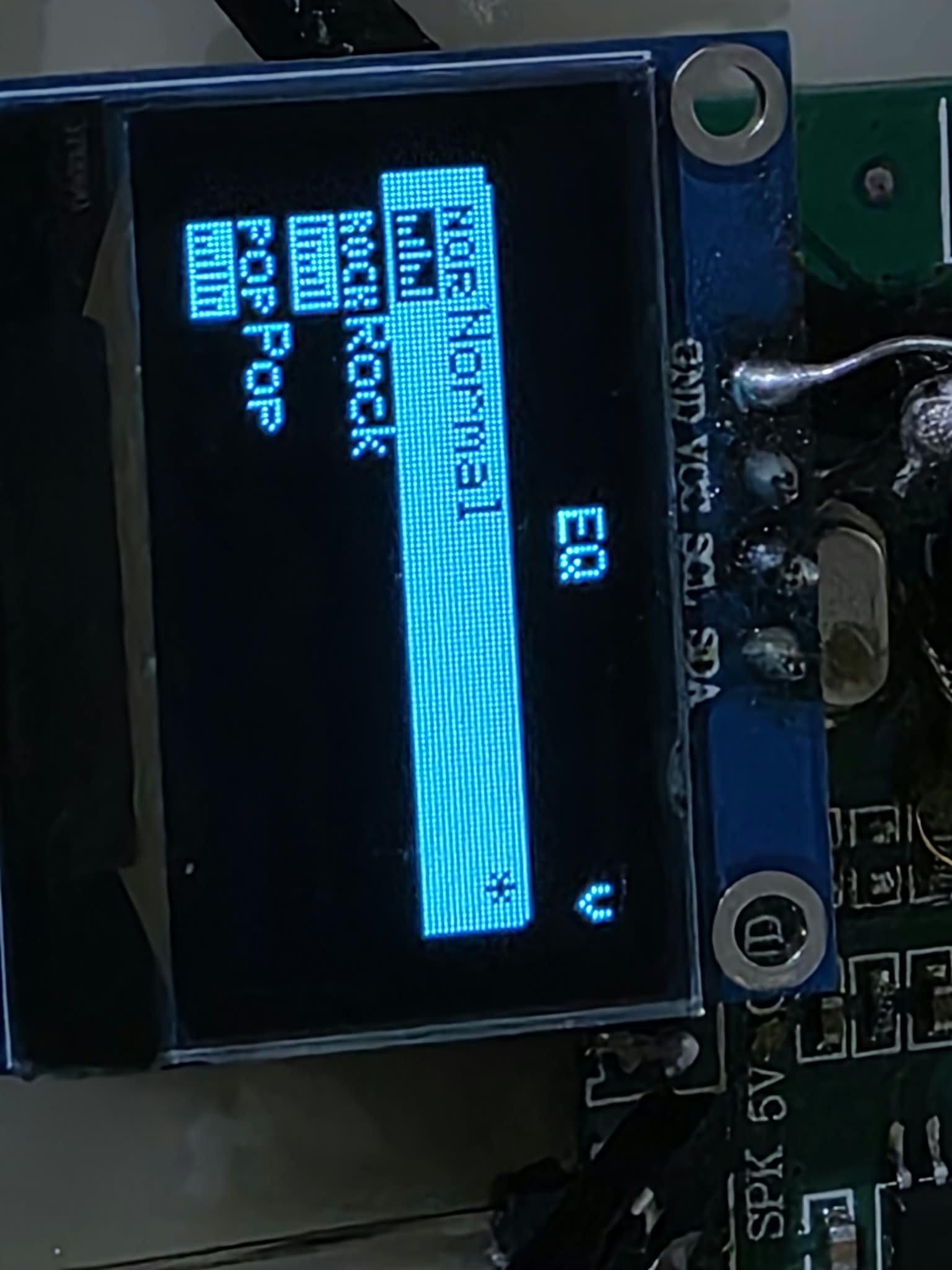
* Hardware EQ
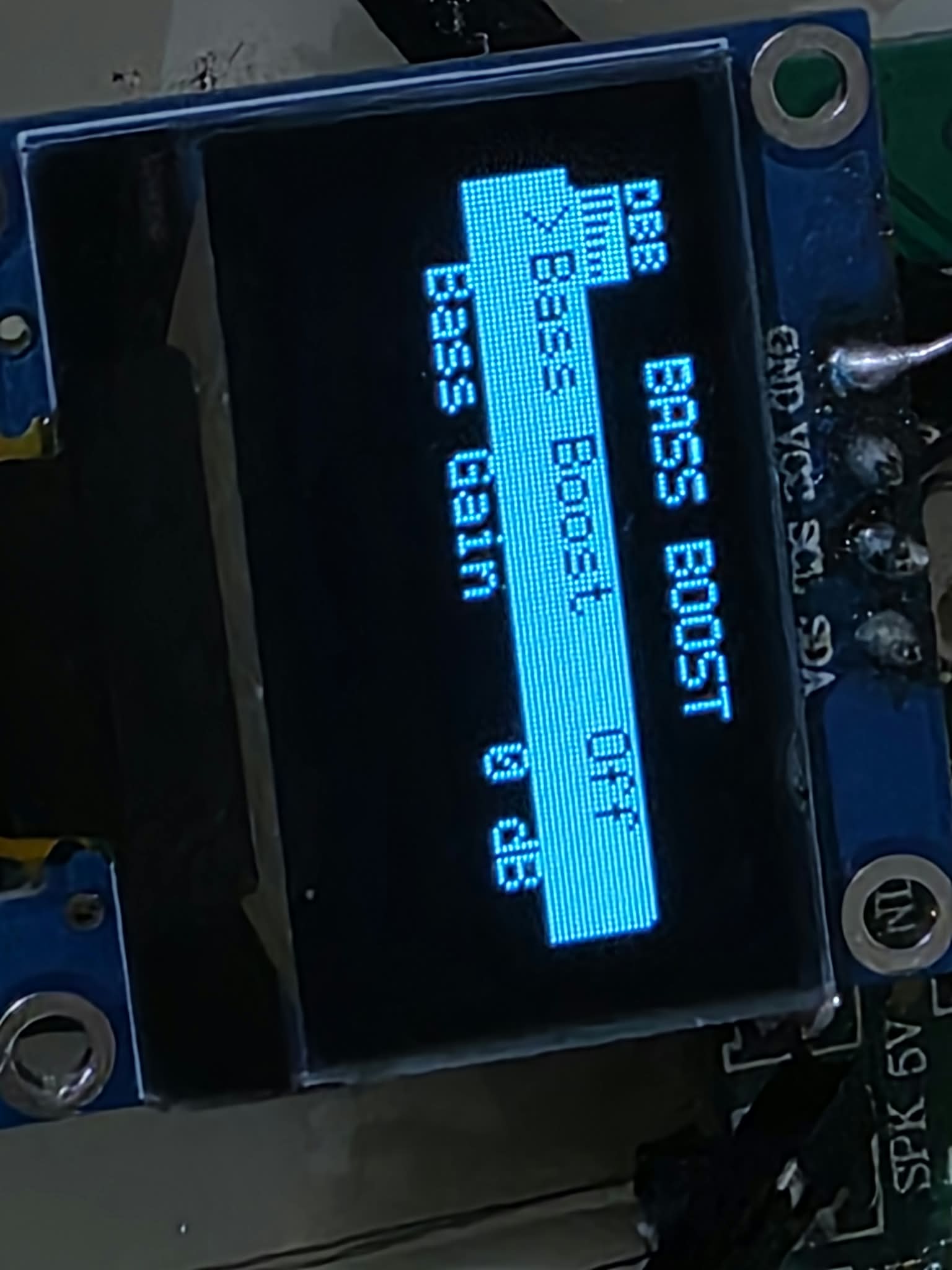
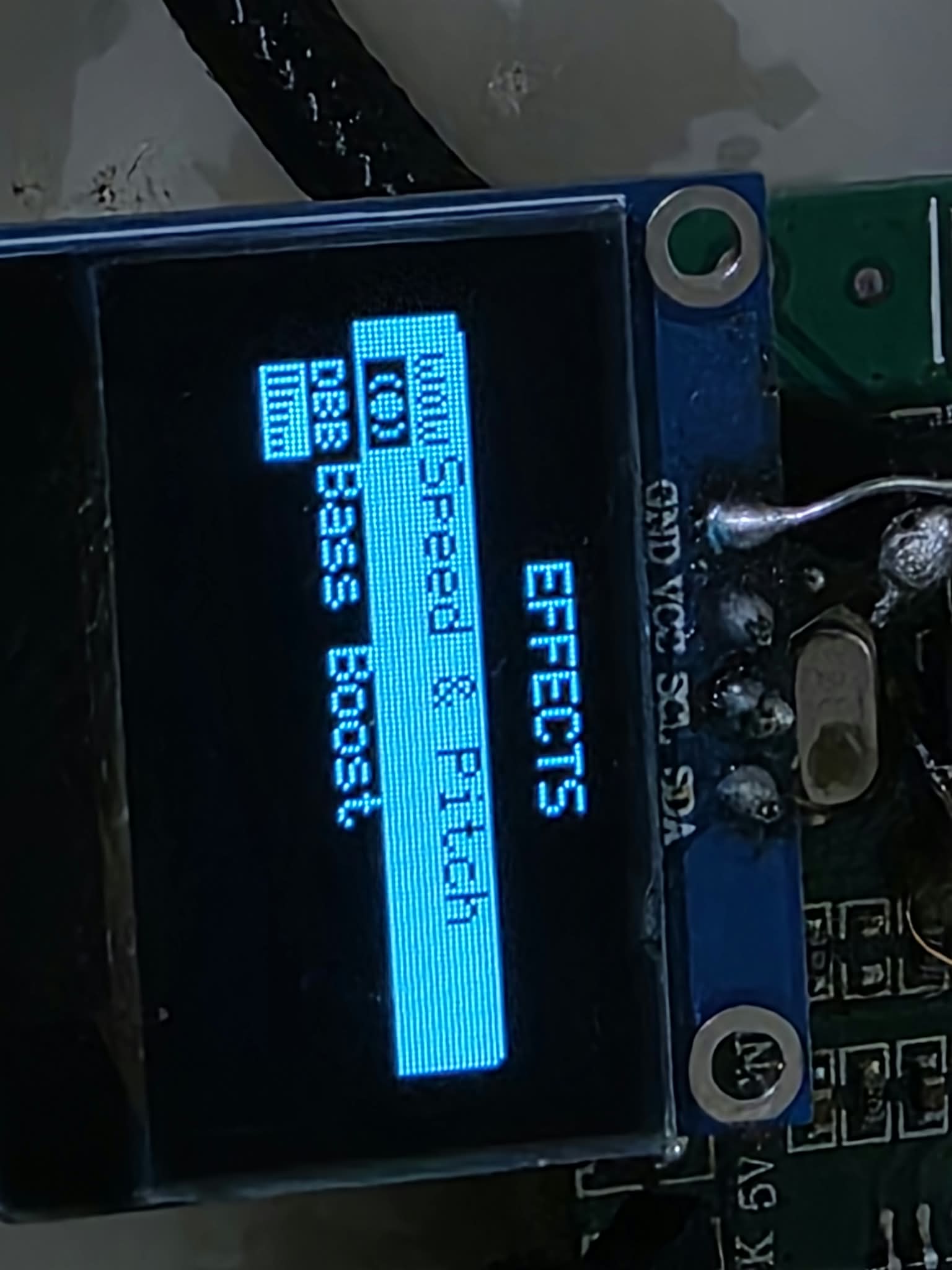
* Bass Boost
* Bass Gain adjustment up to +12 dB
* Speed / Pitch adjustment
* Custom navigation
* USB storage support
At the moment I am primarily testing USB playback, because the SD-card socket on my development board is currently broken/unsoldered.
Several problems in the original SDK filesystem/application behavior also had to be worked around.
For example, under certain circumstances directory long filenames could be lost and replaced with short names such as `KENDRI~1`. The firmware now contains an application-level compensation mechanism that caches and restores the correct directory name while keeping storage devices and paths separated.
Another issue affected the cold file-browser path: when the browser was opened for the first time while music was playing, the current song could restart from the beginning. The firmware now preserves the current playback position while the browser performs its initial scan and restores playback afterwards.
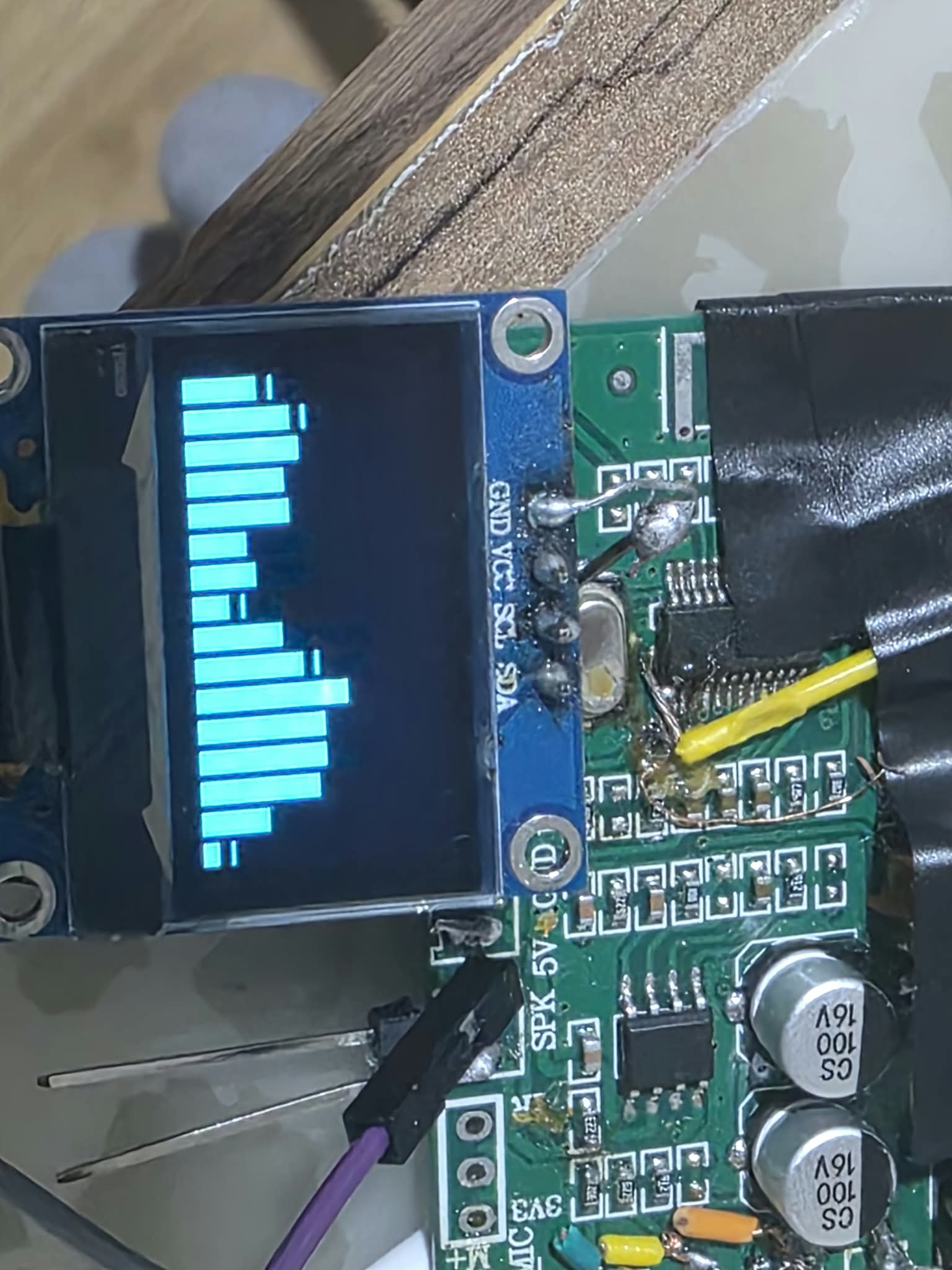
Spectrum Analyzer
A custom spectrum analyzer has been implemented.
It uses:
* 128-point fixed-point FFT
* Q15 processing
* Hann window
* 16 logarithmically spaced frequency bands
* Fast attack
* Slow decay
* Peak hold
* PCM capture from the audio path
The analyzer is integrated with the music task and global key/event system.
It can be entered from the firmware UI and exited immediately with a key press.
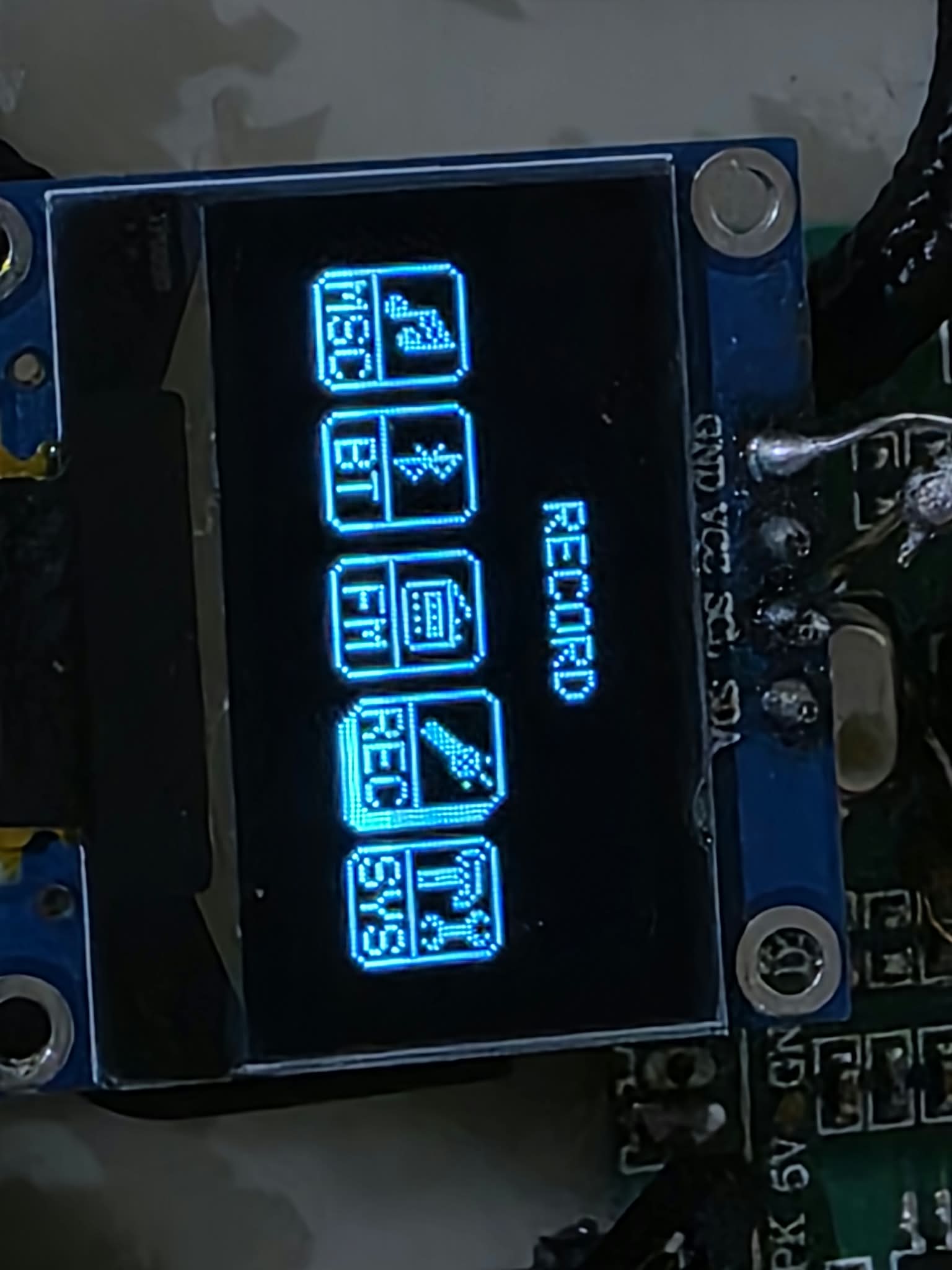
Recording
A complete recording mode has also been added using the native recording functionality provided by the JieLi SDK.
The controls are:
| Key | Short press | Hold |
| -------------- | ---------------- | ----------- |
| Mode (06) | Exit to Carousel | — |
| Next / + (07) | Stop recording | Volume Up |
| Prev / − (08) | Pause / Resume | Volume Down |
| Play / OK (09) | Start recording | — |
Recordings are stored in the `JL_REC` directory.
Recording and playback of the resulting files have been tested successfully on real hardware.
FM Radio
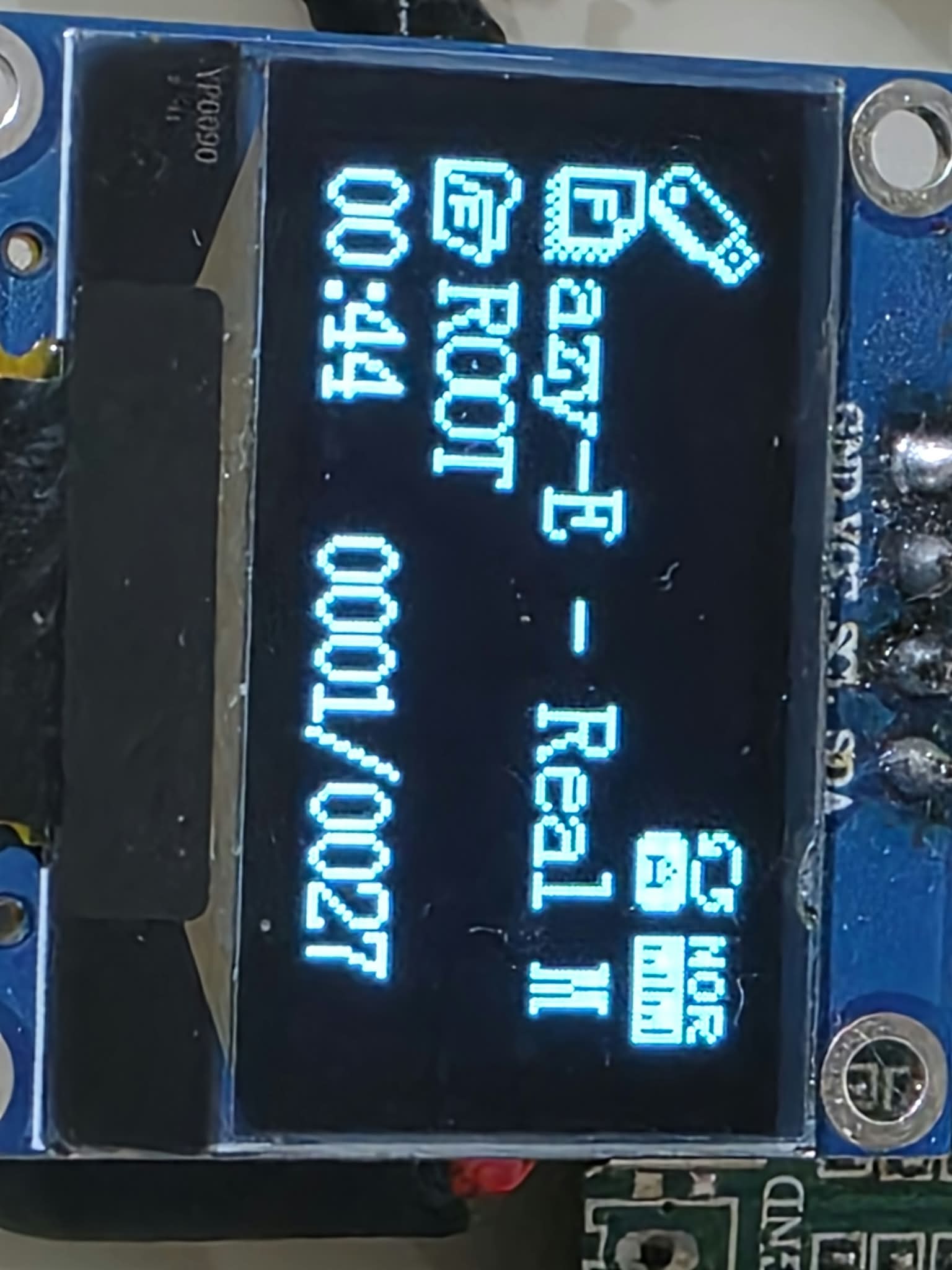
FM Radio is integrated into the Carousel and the custom UI.
The FM icon placement was also corrected so that the stock icon no longer overlaps the title on the 128×64 display.
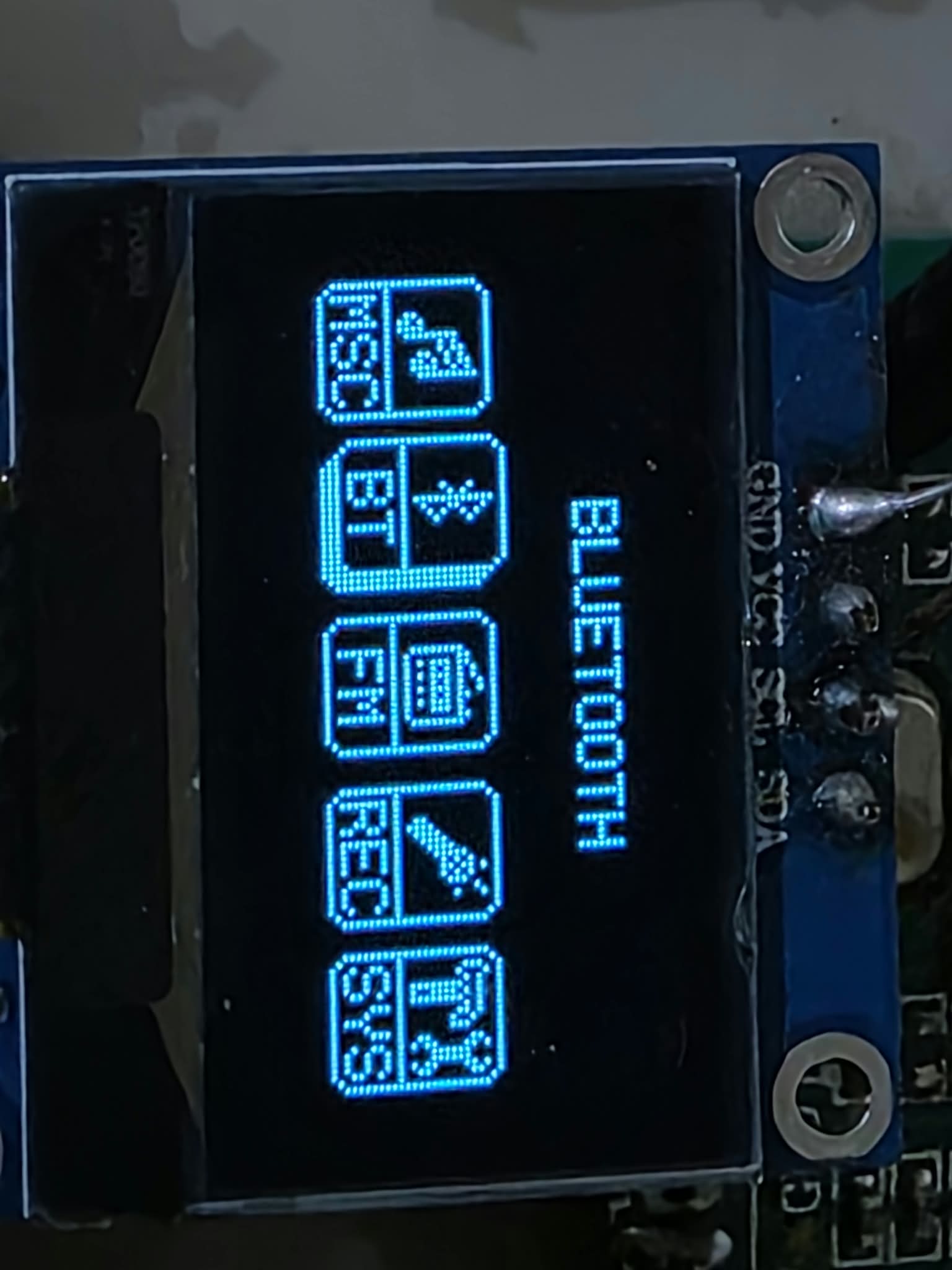
Bluetooth
Bluetooth is integrated into the Carousel and custom task-switching system.
Several problems in the original task-switching behavior were fixed.
One example was `TASK_ID_BT == 0`: the original logic treated task ID 0 as if it meant "no task", which prevented Bluetooth from being entered correctly from the Carousel.
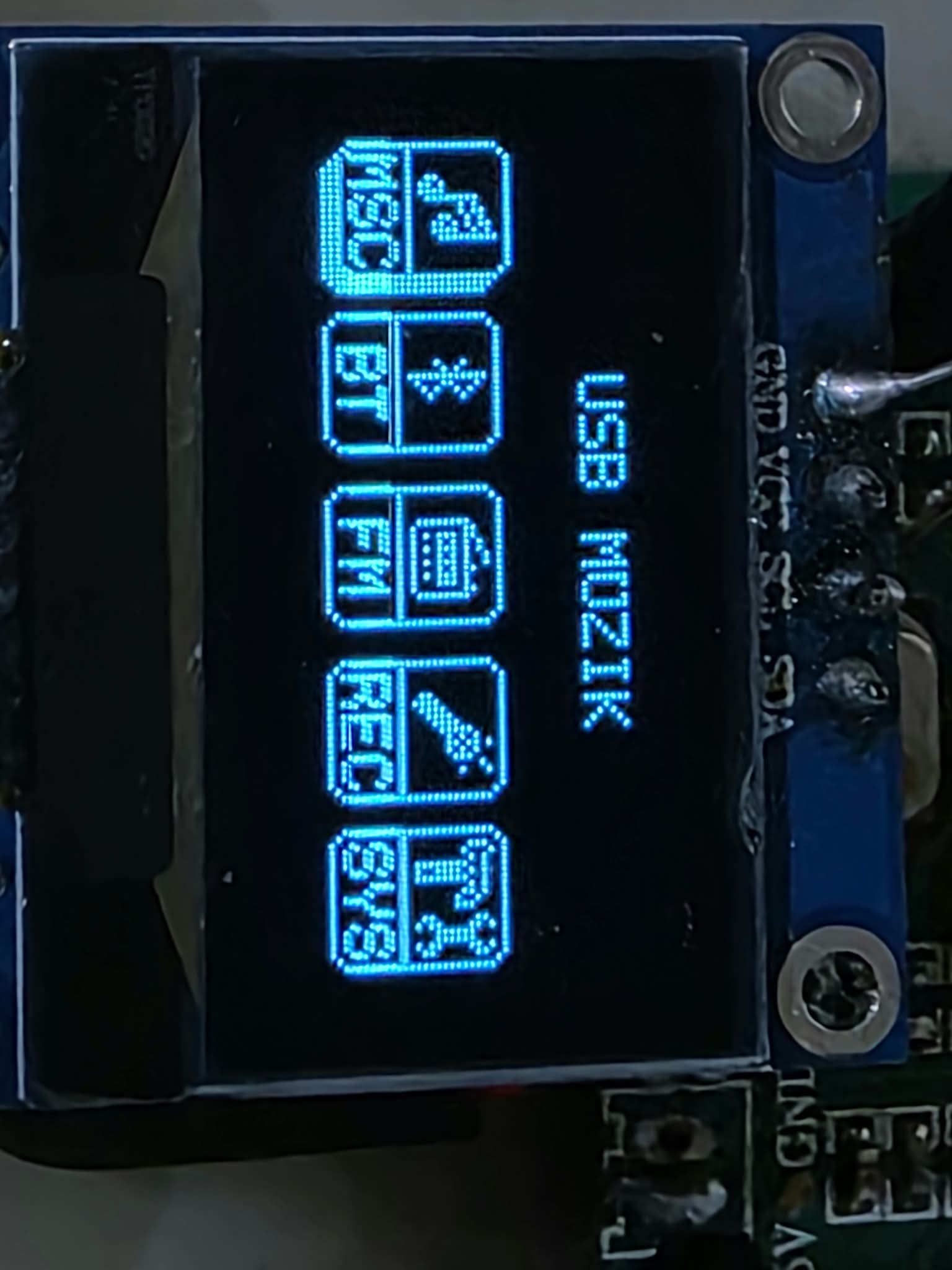
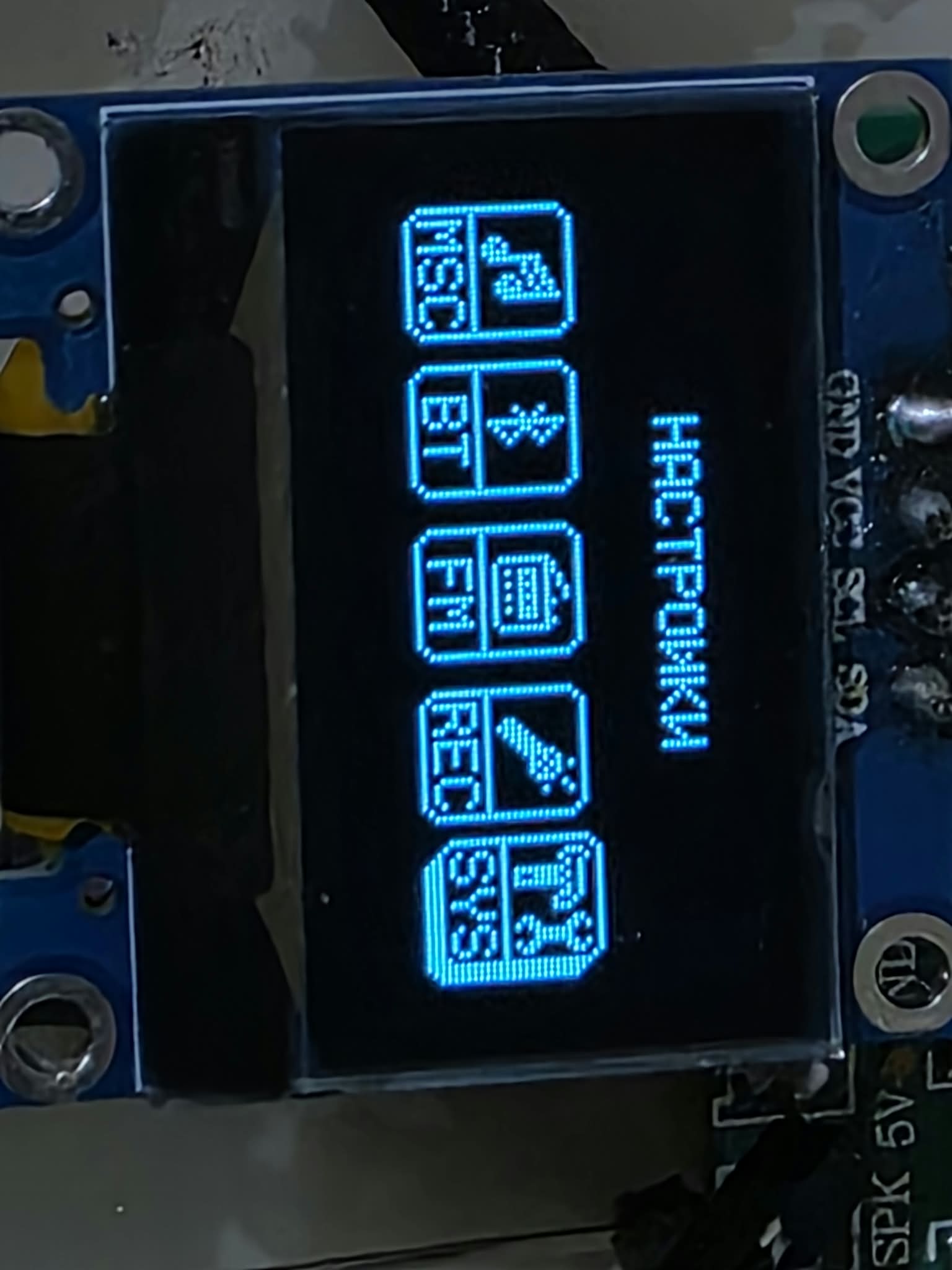
Carousel Launcher
The standard launcher/navigation has been replaced with a custom Carousel interface.
The Carousel provides access to the main firmware modes, including:
* Music
* Bluetooth
* FM Radio
* Recording
* System Settings
* Other applications and modes
Several unwanted automatic task switches from the original firmware were also removed.
For example, connecting a USB device no longer automatically throws the user out of the Carousel and into Music.
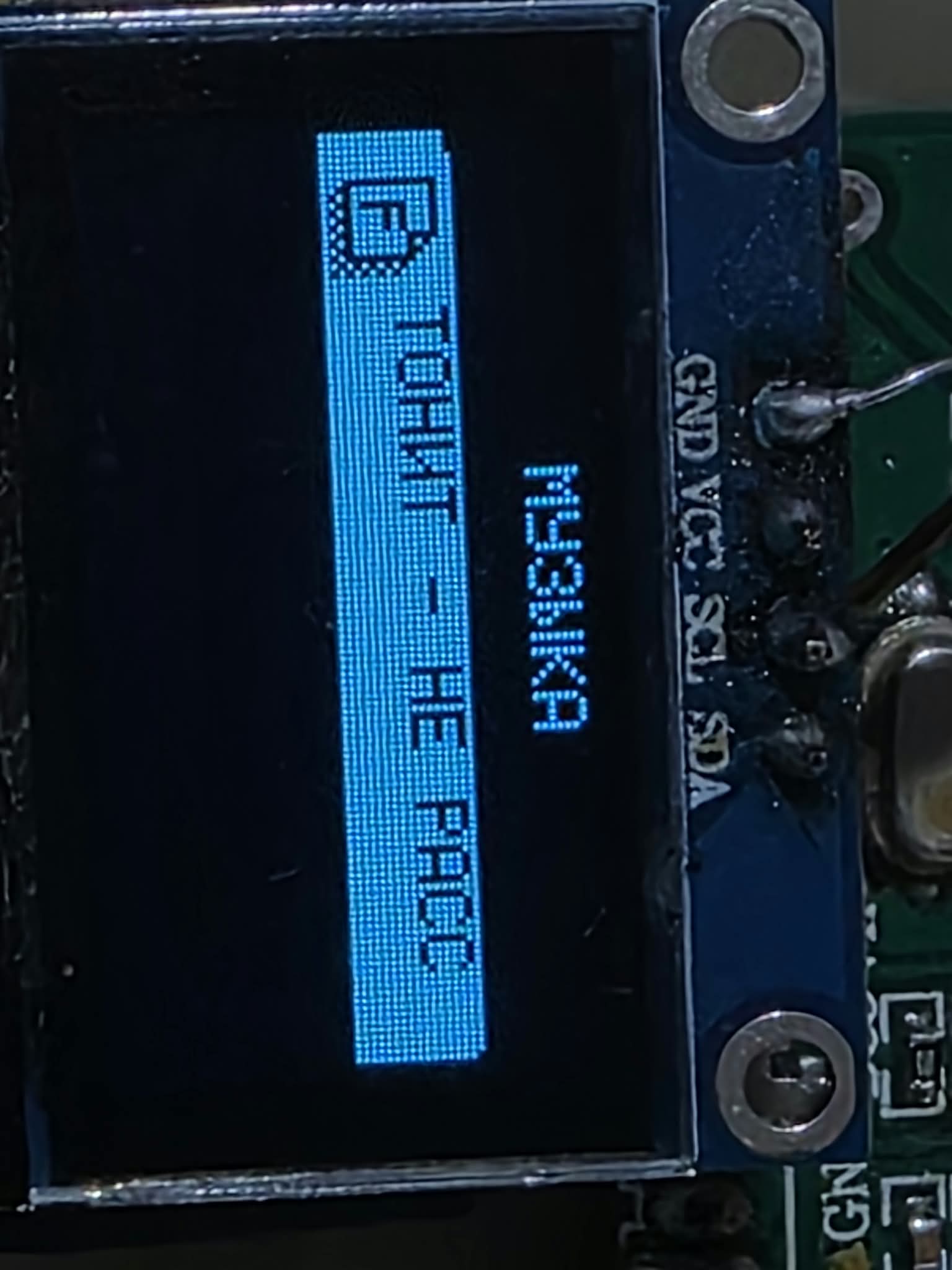
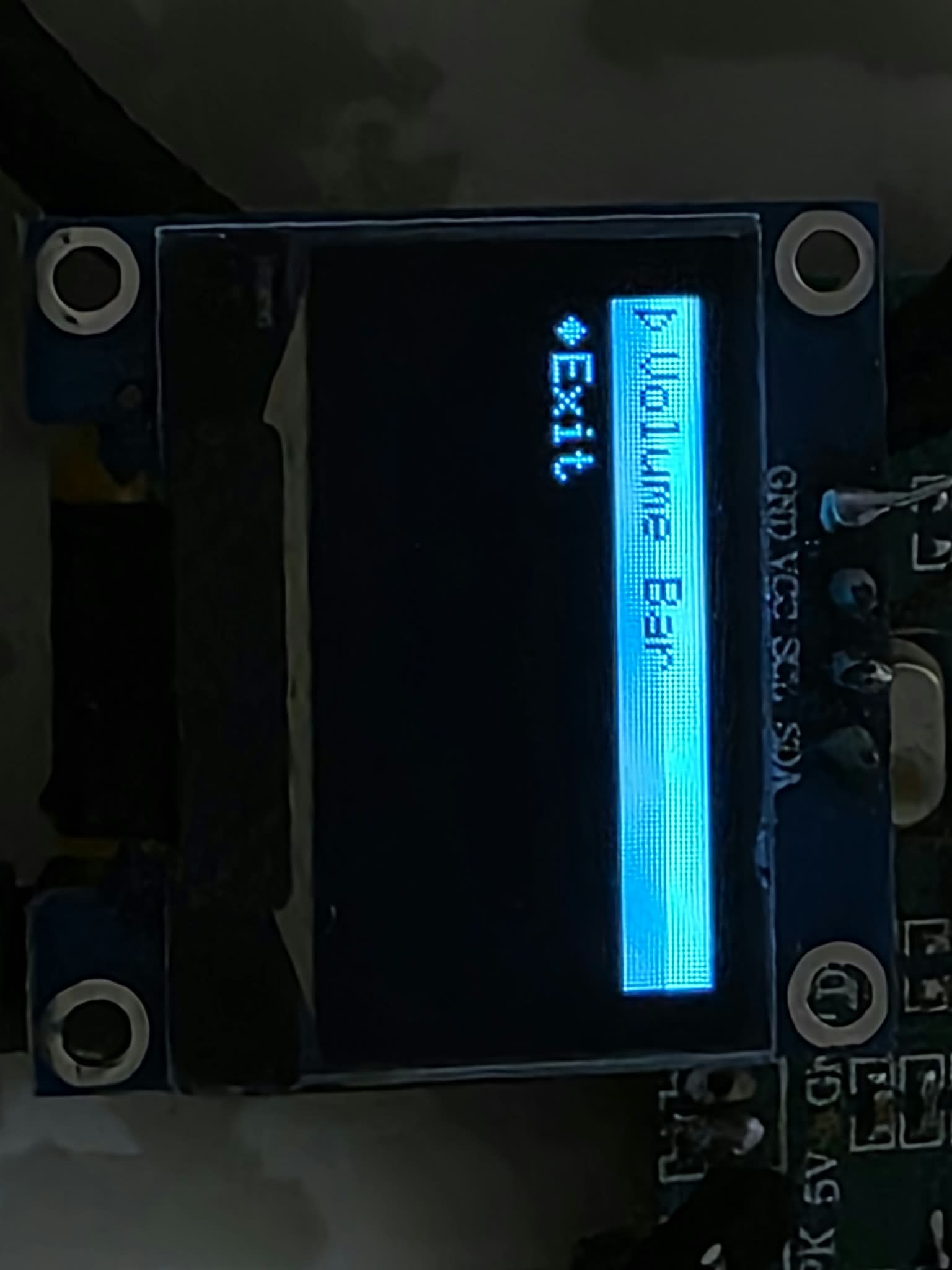
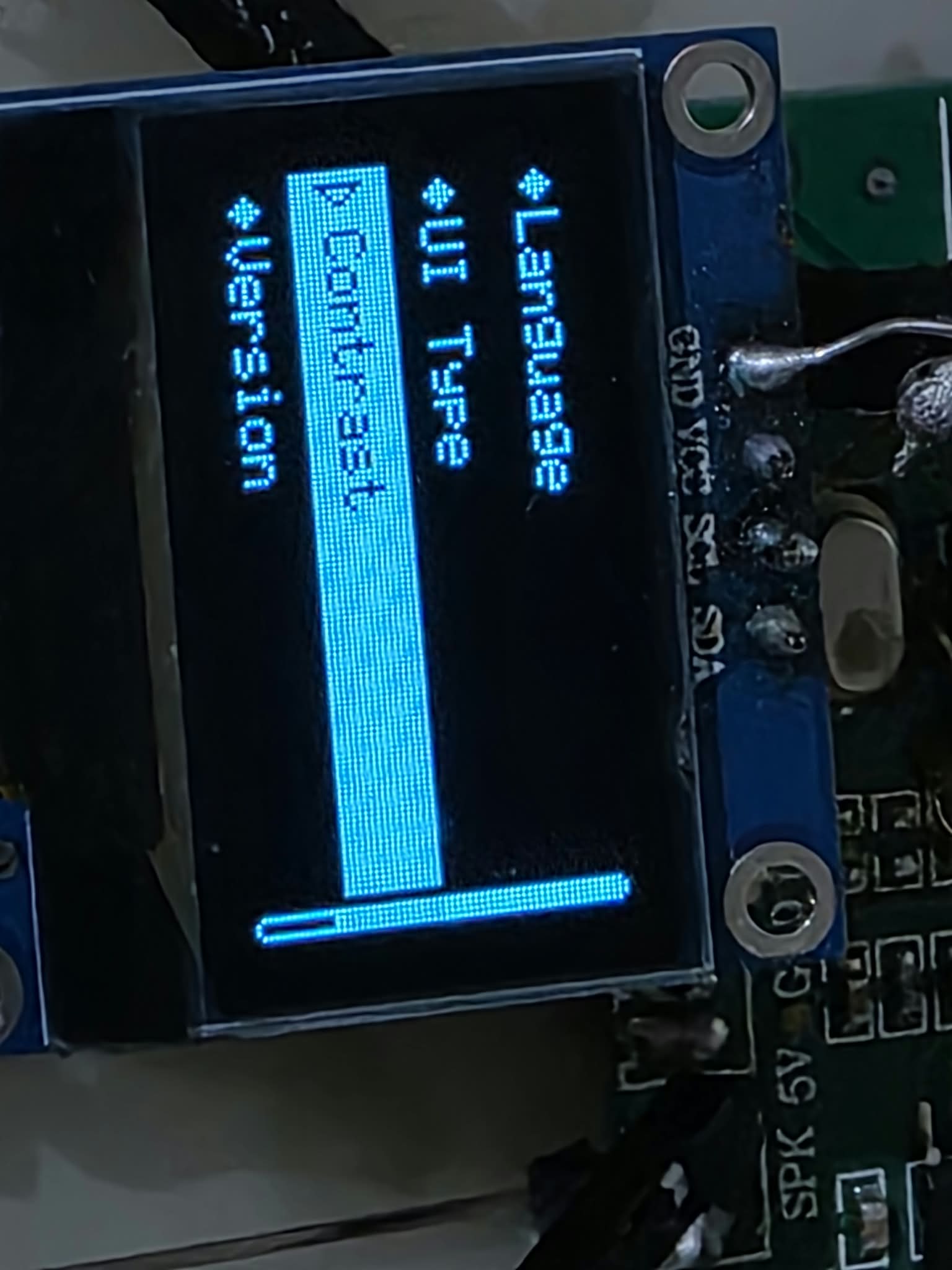
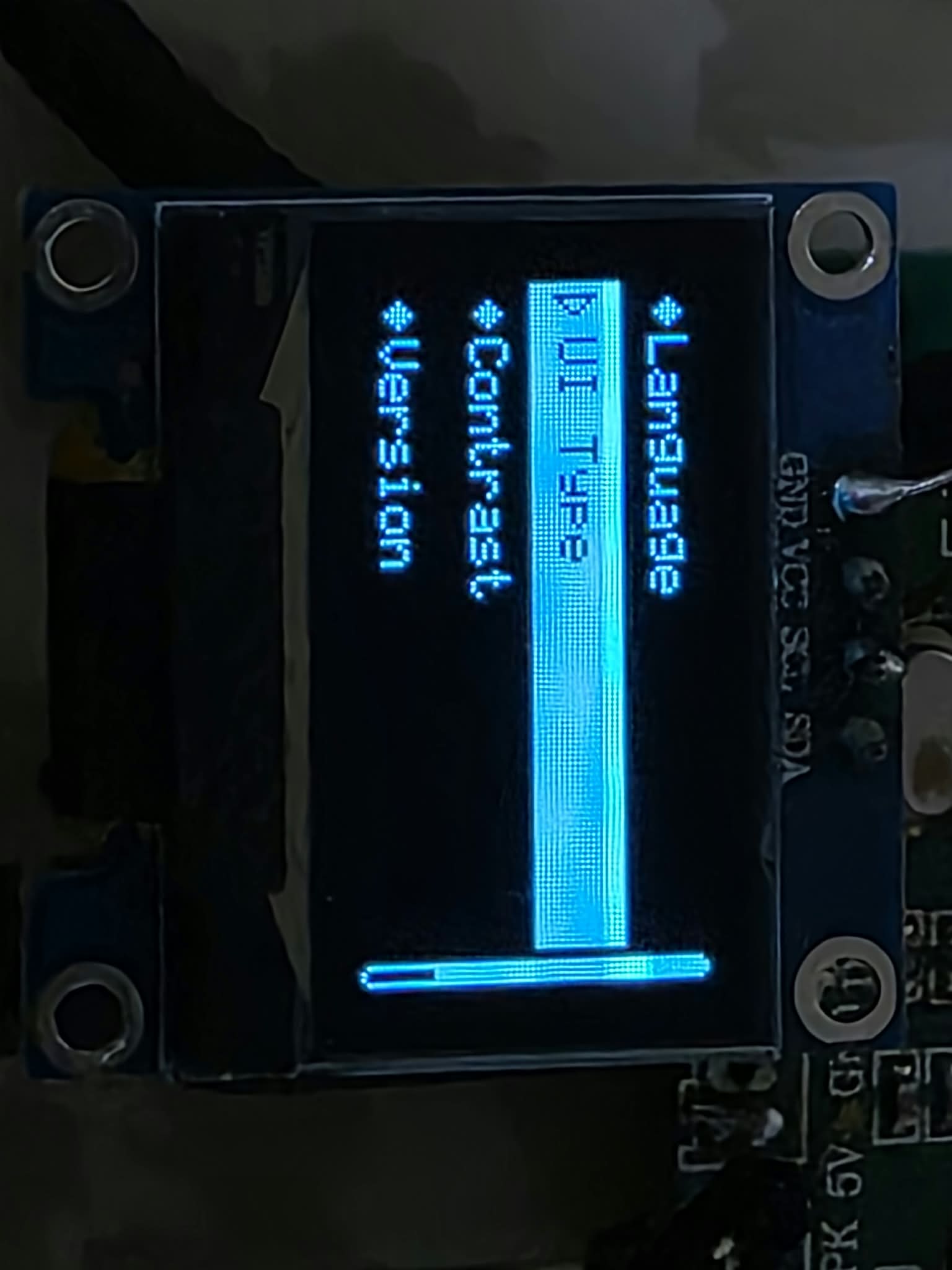
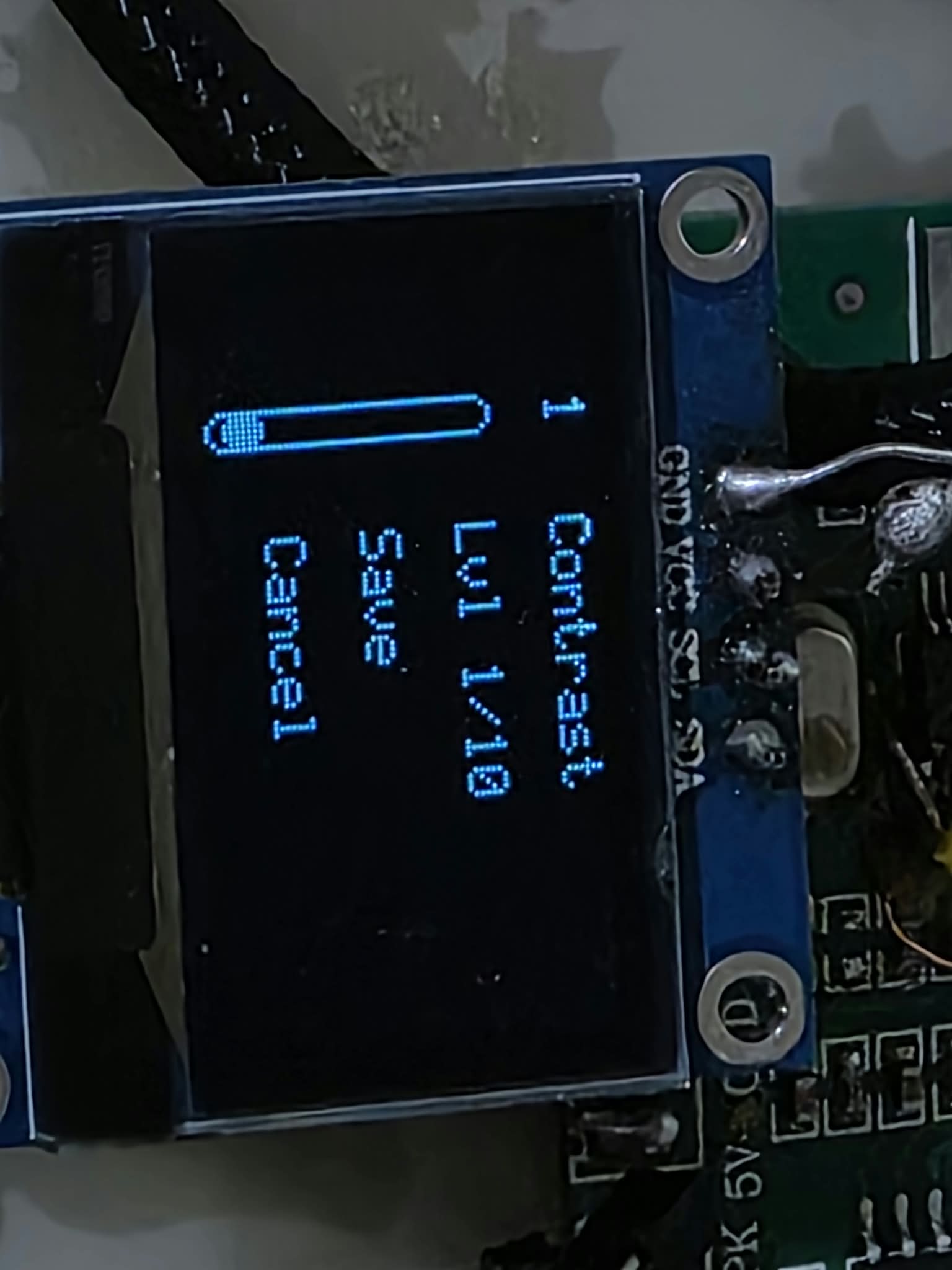
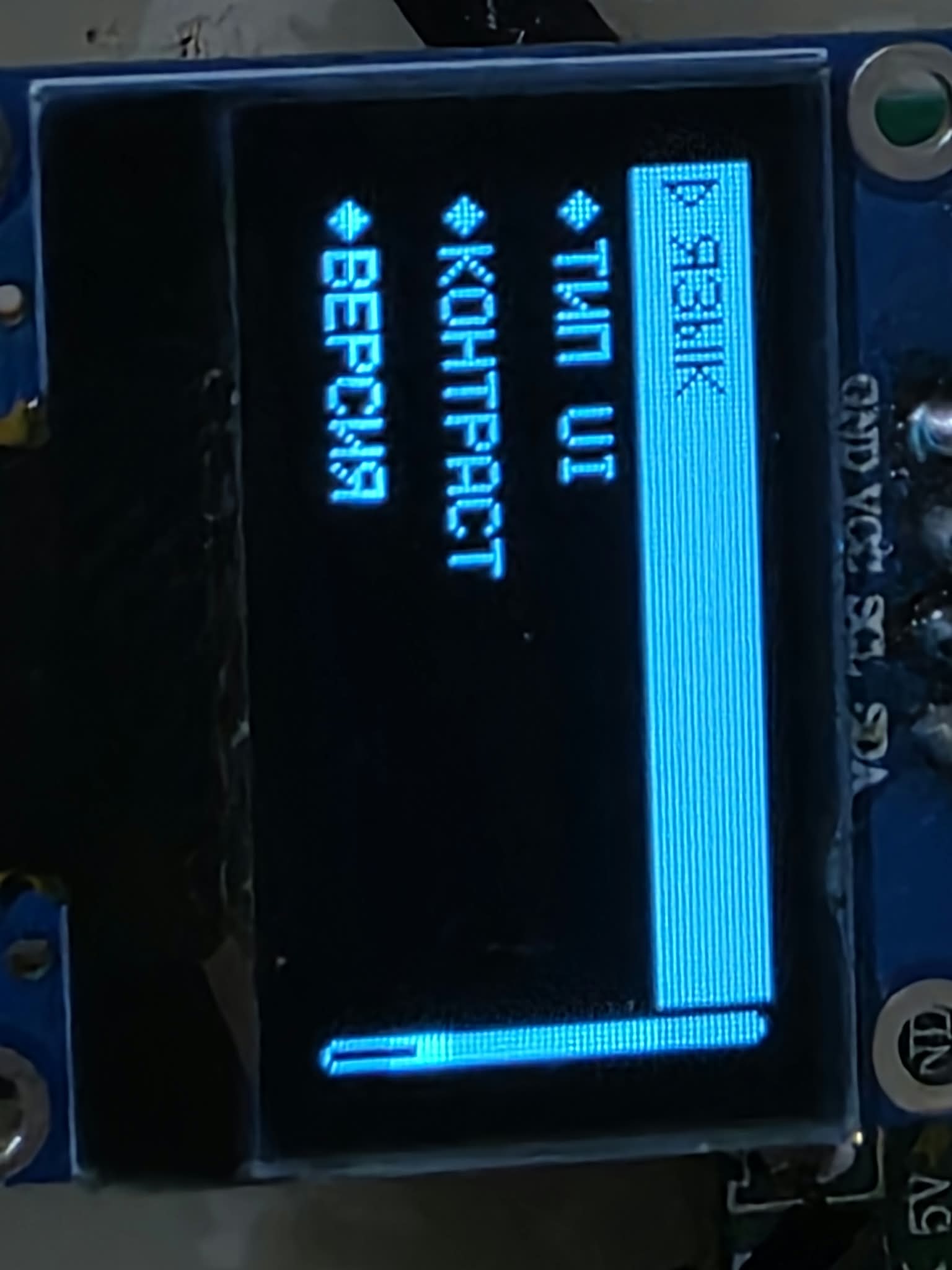
System Settings
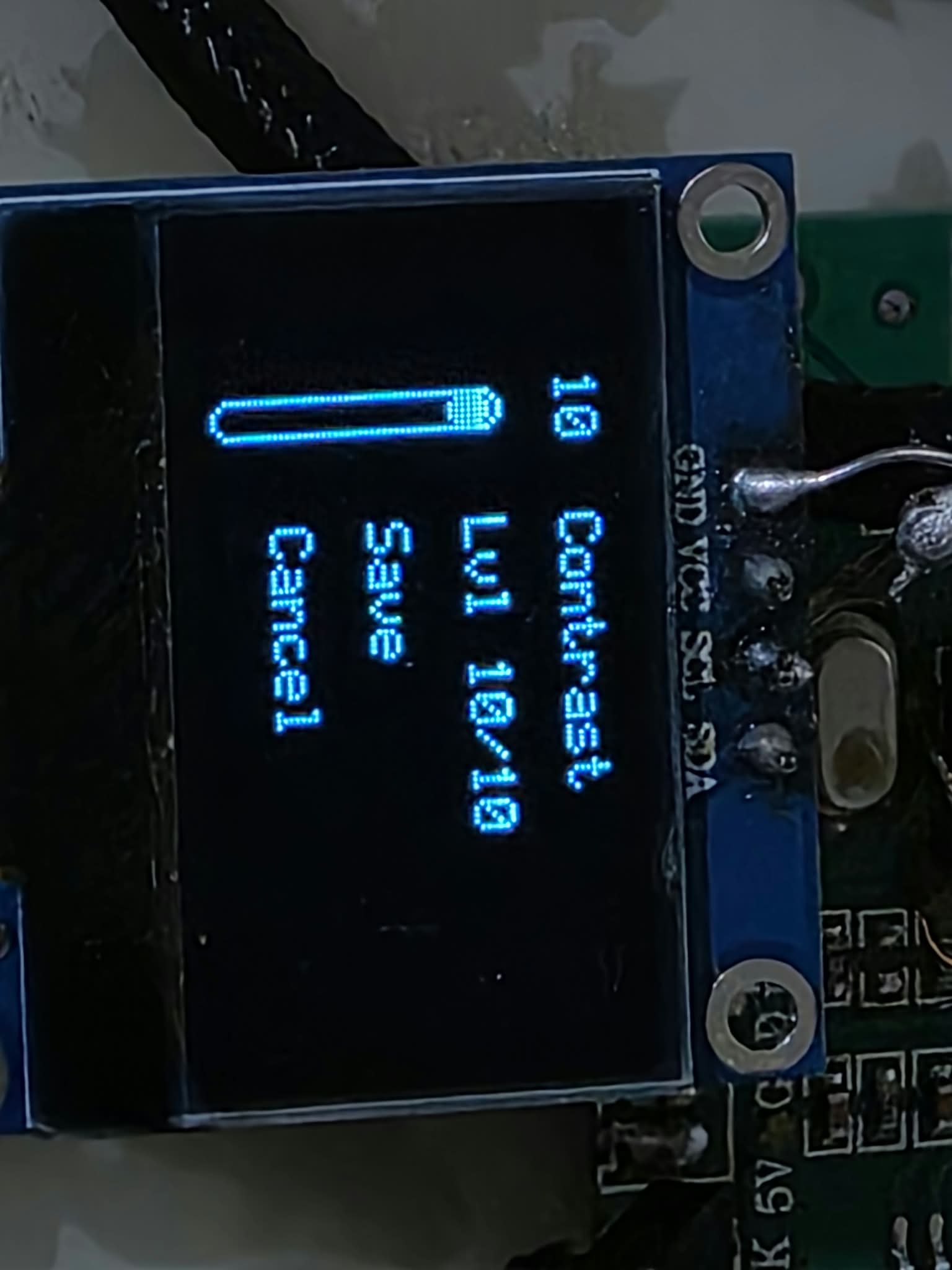
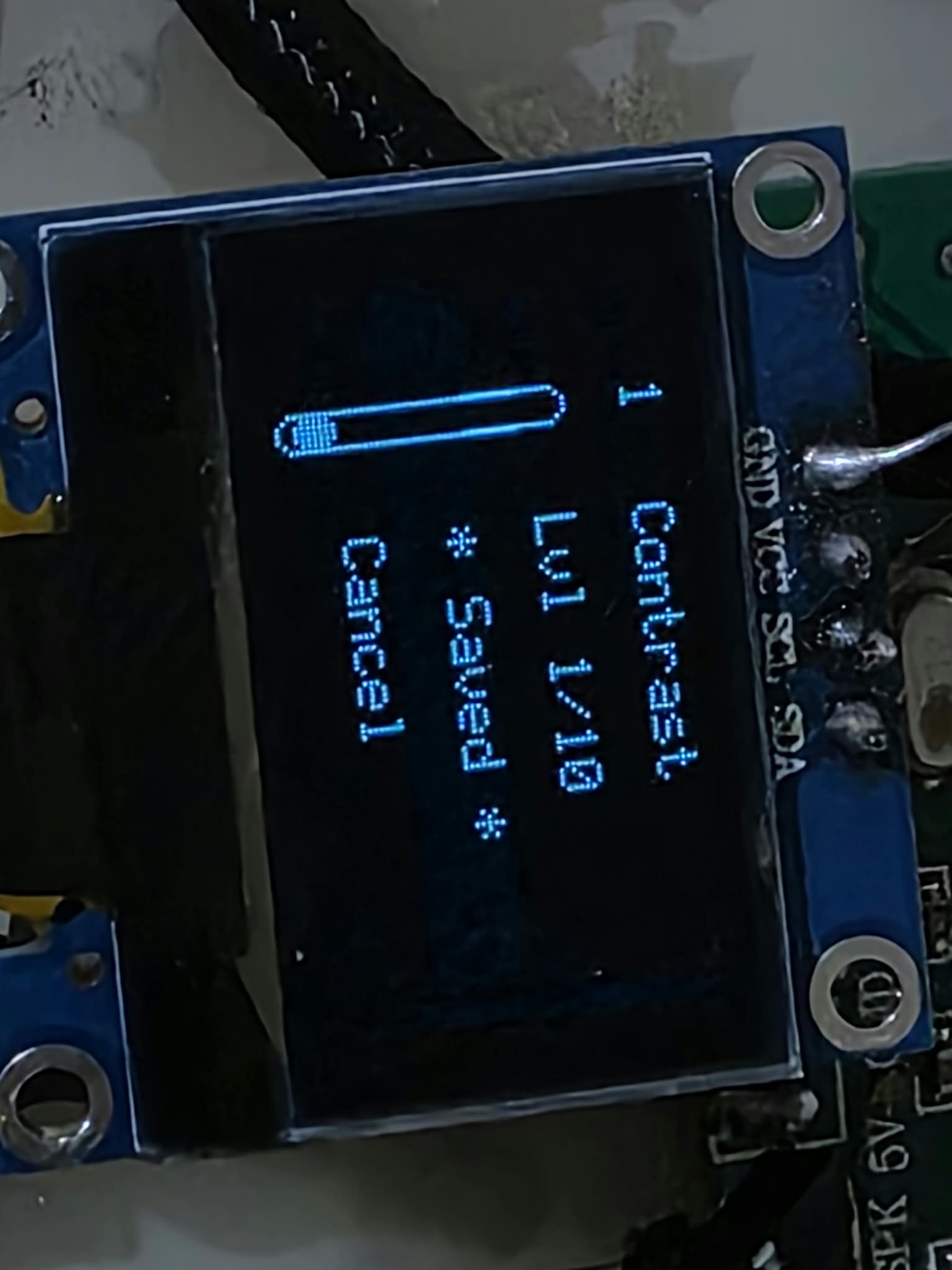
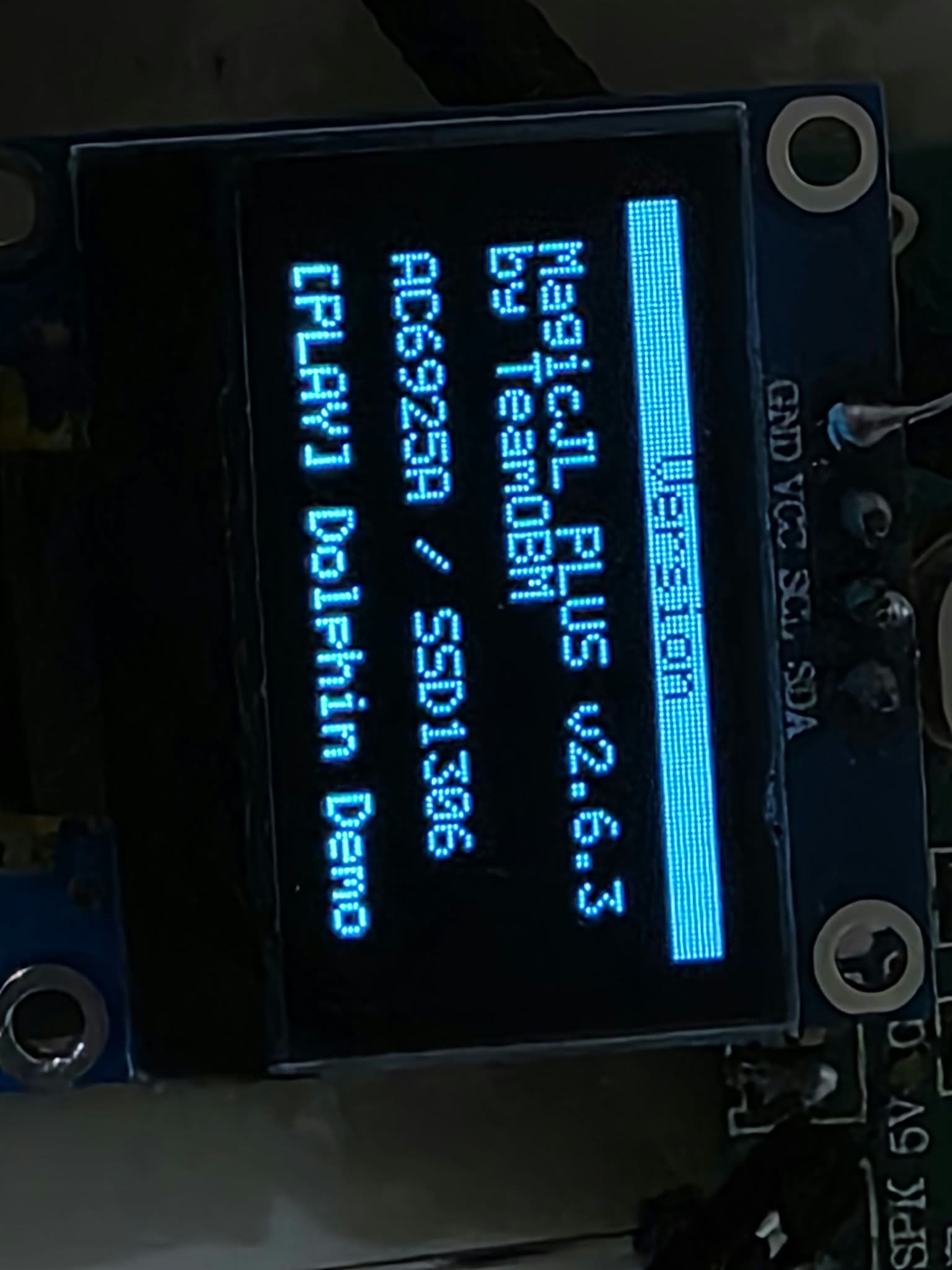
A dedicated System Settings interface was created specifically for the 128×64 OLED.
Current settings include:
* Language
* UI Type
* Contrast
* Version
* Exit
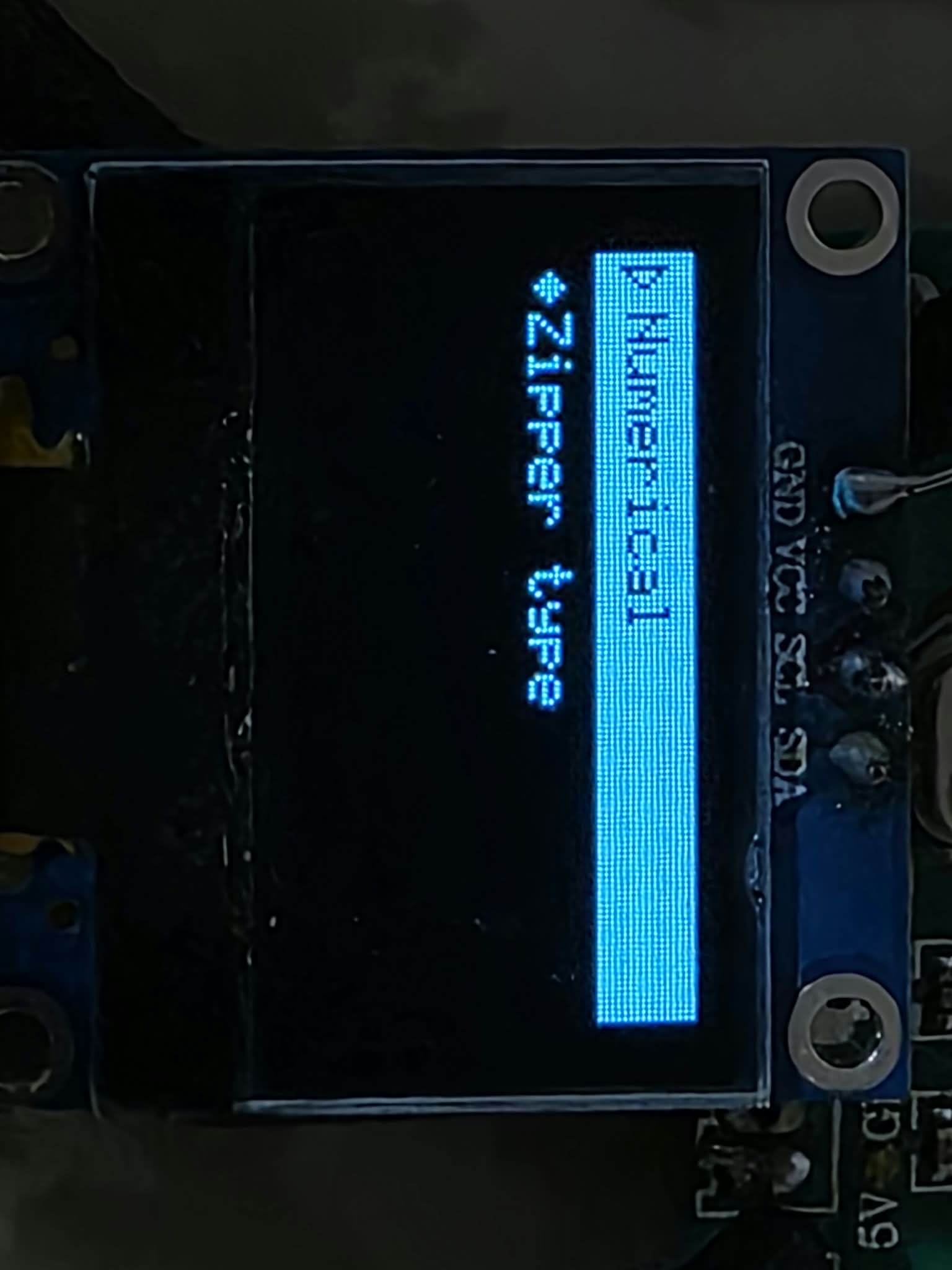
Volume UI Type
Two volume display styles are currently available:
* Numerical
* Zipper type
The selected UI type is stored in VM storage and survives reboot.
The Numerical mode uses the existing JieLi resources for the speaker icon and numerical digits.
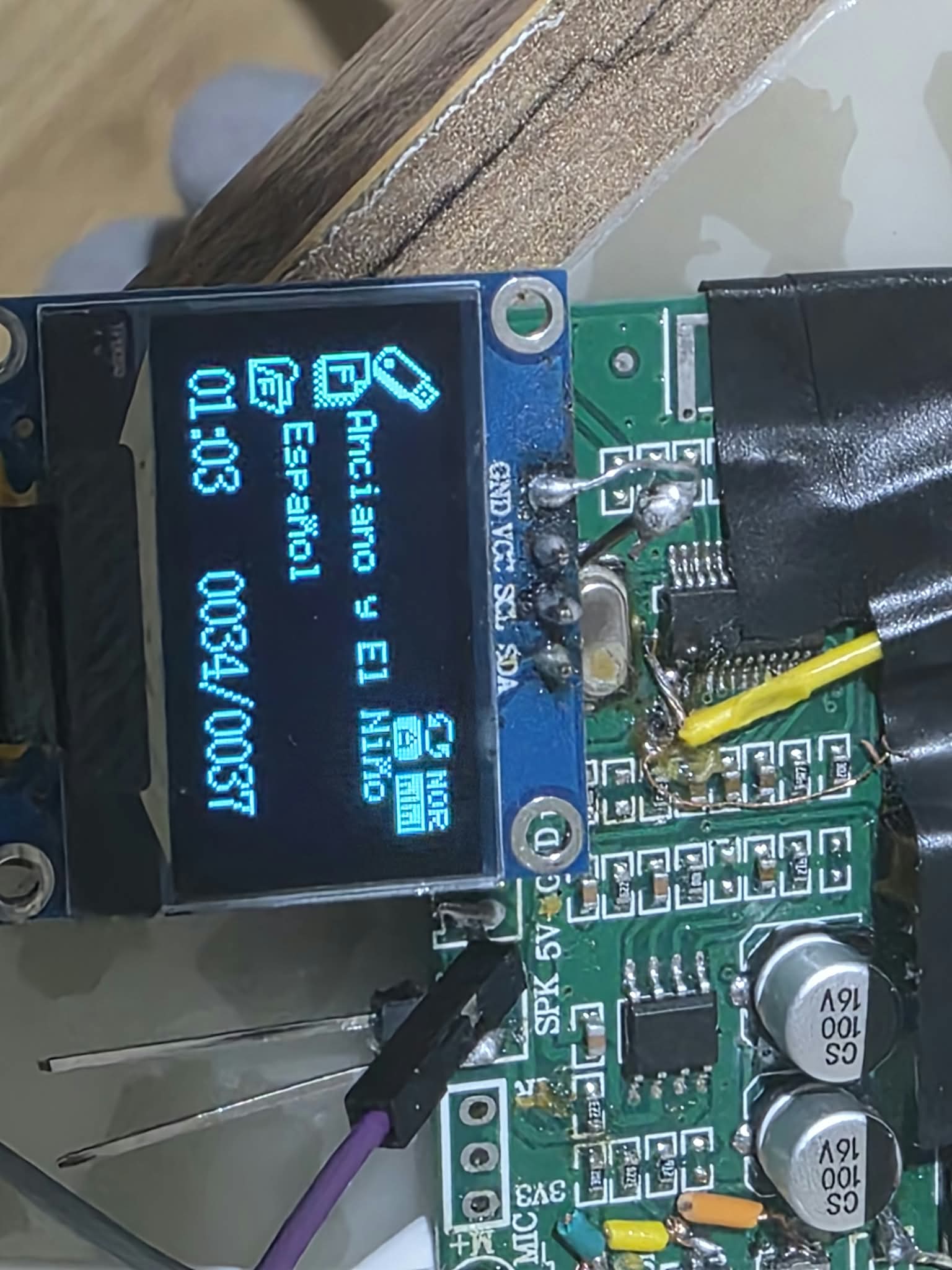
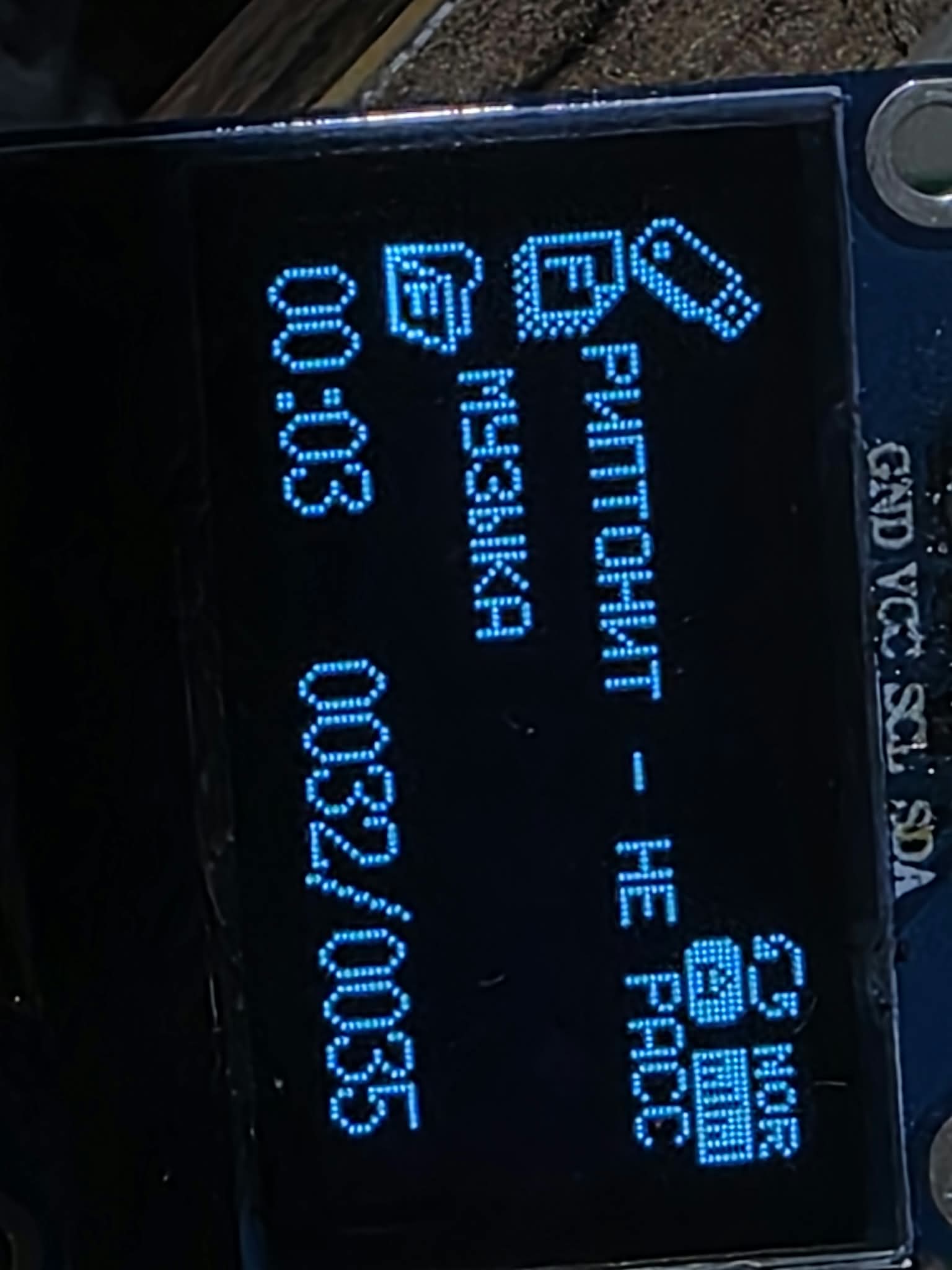
Languages
A global language system has been integrated into the firmware.
Language selection affects multiple parts of the UI, including:
* Carousel
* System Settings
* Bluetooth
* FM Radio
* Music Context Menu
* File Browser
* EQ Settings
* Repeat Mode
* Effects
* Other UI elements
Currently implemented languages include:
* English
* Turkish
* German
* French
* Spanish
* Italian
* Portuguese
* Russian
Some other languages supported by the JieLi UI system require additional PIX/font resources.
Japanese, Korean, Arabic, Thai, Hebrew, Chinese and some other languages are therefore left for later until the required PIX files become available.
The firmware already has the language infrastructure in place; the remaining problem for these languages is mainly obtaining the appropriate JieLi font/resource files.
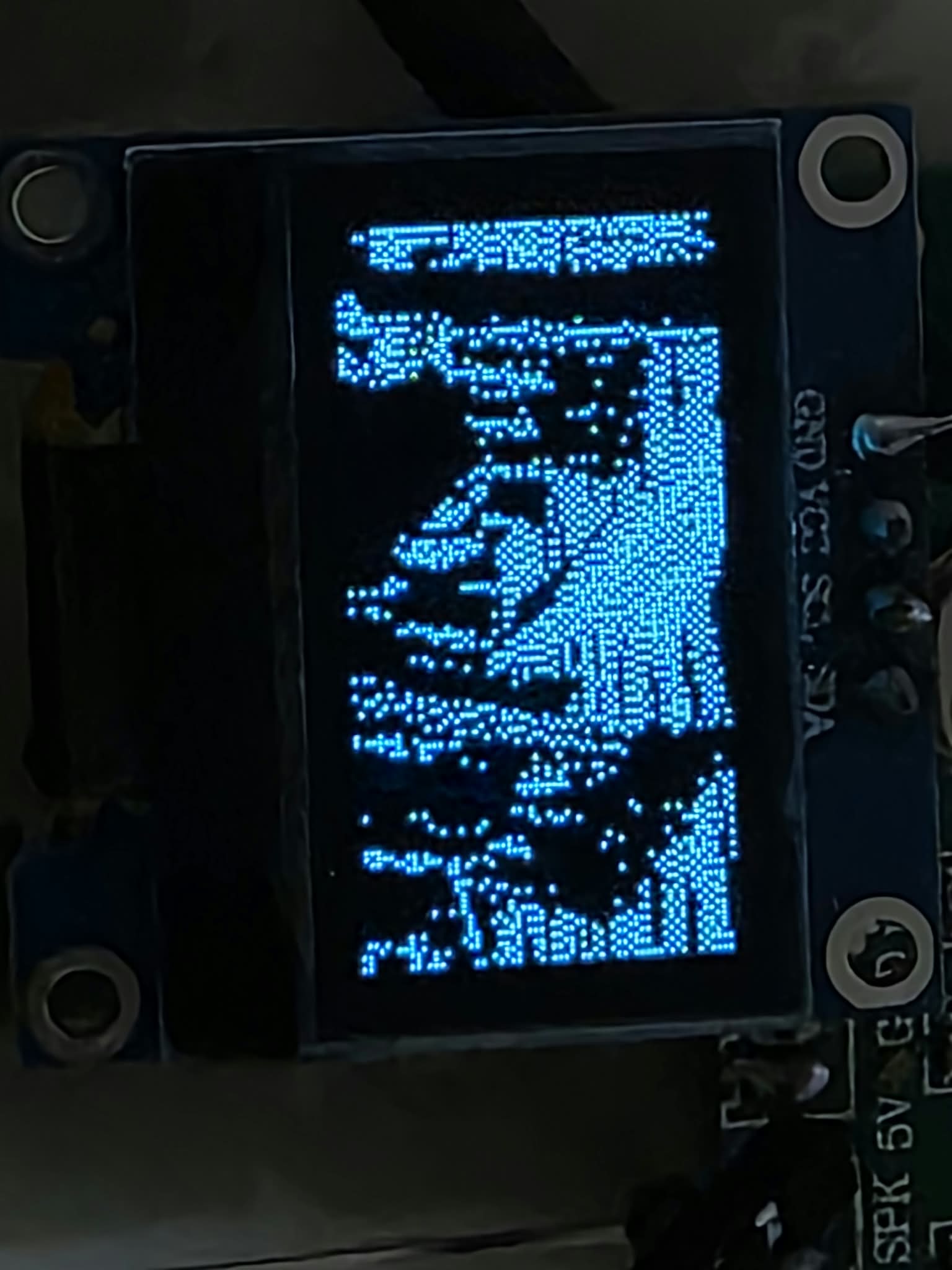
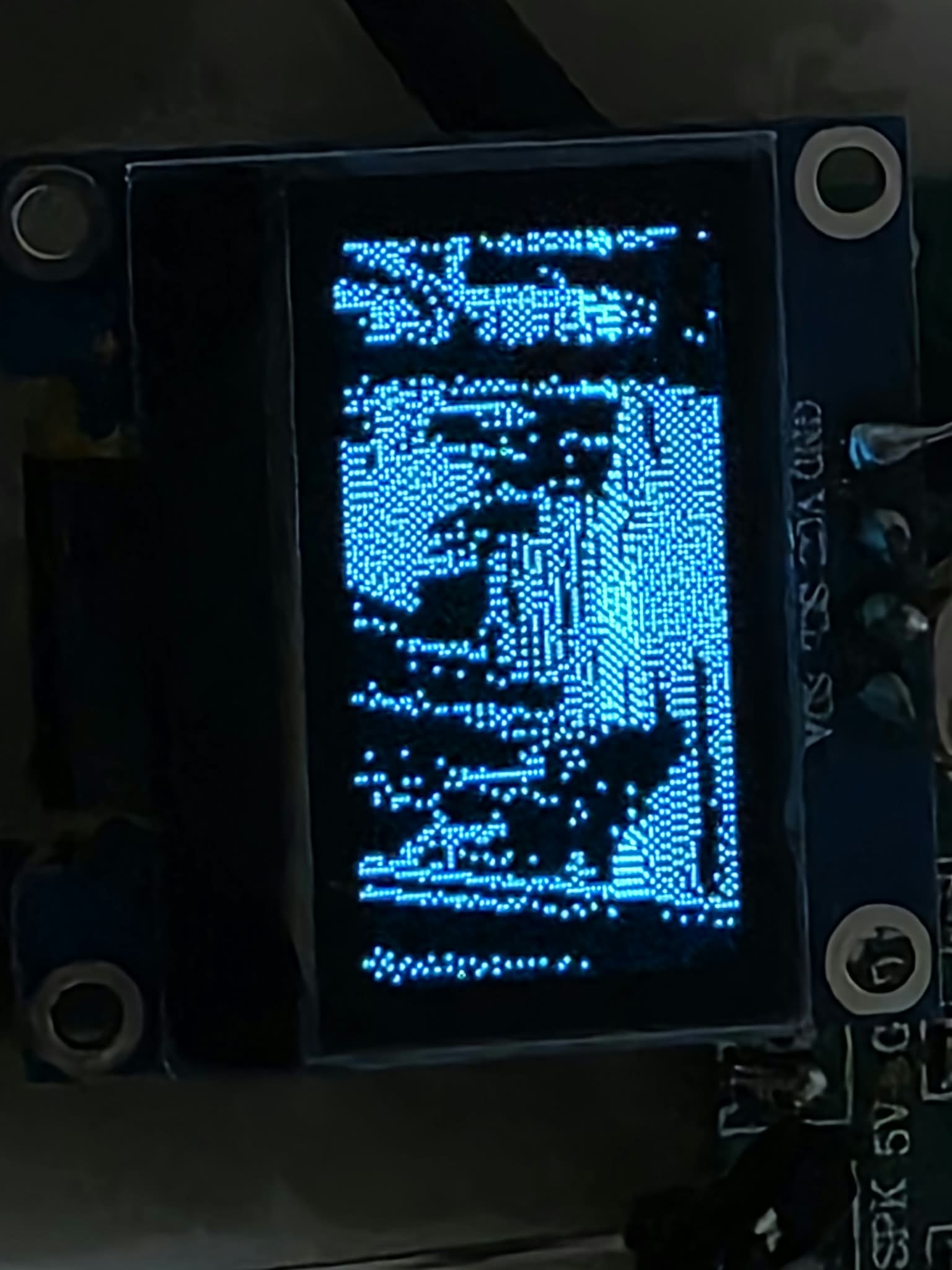
Pioneer Dolphin Demo
The firmware contains a small Pioneer Dolphin demo / Easter egg.
The original implementation contained more animation material, but some scenes were removed to save flash space.
The current version contains **two animations/scenes**.
The demo is launched globally with a long press of Play/Pause and can be interrupted with a key press.
The animation data is stored in flash rather than consuming additional SRAM.
Persistent Settings
User settings are stored using the JieLi VM storage system.
This includes settings such as:
* Language
* Volume UI type
* Other interface settings
Settings are restored after reboot.
OLED User Interface
The entire custom UI is designed around the SSD1306 128×64 monochrome OLED.
The interface includes custom implementations of:
* Lists
* Selection/highlight rows
* Scrollbars
* Triangular selection markers
* Diamond bullets
* Volume overlays
* Numerical volume display
* Carousel navigation
* Status screens
* Application-specific screens
Where practical, existing JieLi SDK mechanisms and resources are reused rather than replacing the entire graphics system.
SDK / Application Fixes
A significant part of the project was not simply adding new screens, but fixing or changing behavior in the original SDK application layer.
Some examples:
* USB hotplug automatically switching to Music
* Bluetooth task switching failing because task ID 0 was treated as inactive
* Incorrect fallback task switching
* Current track restarting when the file browser was opened from a cold state
* Directory long filename loss
* Stock volume popup interfering with the Carousel
* Incorrect FM icon placement
* Font initialization problems after changing language
* Global key/event routing issues
* Several task-switching and navigation problems
The goal was to keep the underlying JieLi SDK functionality where it works well, while replacing or correcting the parts that don't fit the custom UI.
Firmware Size
The firmware still fits inside the AC6925A's internal flash.
One of the recent builds was approximately:
* `jl_692x.bin` — 467 KB
* `updata.bfu` — 467 KB
* RAM0 usage — approximately 68.6 KB / 69.1 KB
* RAM0 headroom — approximately 1 KB
The firmware is already fairly tightly packed, so flash and RAM usage have been an important part of development.
Hardware Testing
The project is developed and tested directly on real BT201 / AC6925A hardware with an SSD1306 128×64 OLED.
The following features have been tested on hardware:
* Music playback
* USB playback
* File Browser
* Long filenames
* Bluetooth
* FM Radio
* Carousel
* System Settings
* Language switching
* Numerical / Zipper volume
* Spectrum Analyzer
* Pioneer Dolphin demo
* Recording
* Recording playback
* Persistent settings
The current storage testing is focused on USB because the SD-card socket on my development board is broken/unsoldered.
Current Status
At this point I consider the firmware ready for release as a usable custom firmware project.
There are still things I want to add in the future, but I don't want to hold the release back for them.
Some planned future work includes:
* Additional language support once the required PIX files are available
* Further Spectrum Analyzer improvements
* Additional Recording features
* FM presets
* More diagnostic/developer functionality
* Further UI improvements
Thanks
Special thanks to the USMI community for the JieLi SDKs, tools, documentation, reverse-engineering work, and the information shared throughout the forum.
A lot of the AC6925A work would have been considerably more difficult without the resources and discussions available here.
Thanks to BIOS
Thanks to kagaimiq
Thanks to amateur
and Thanks to all the people in this forum.
MagicJL SYS / MagicJL PLUS
Custom firmware for JieLi AC6925A / BT201
SSD1306 128×64 OLED
---Pictures-- 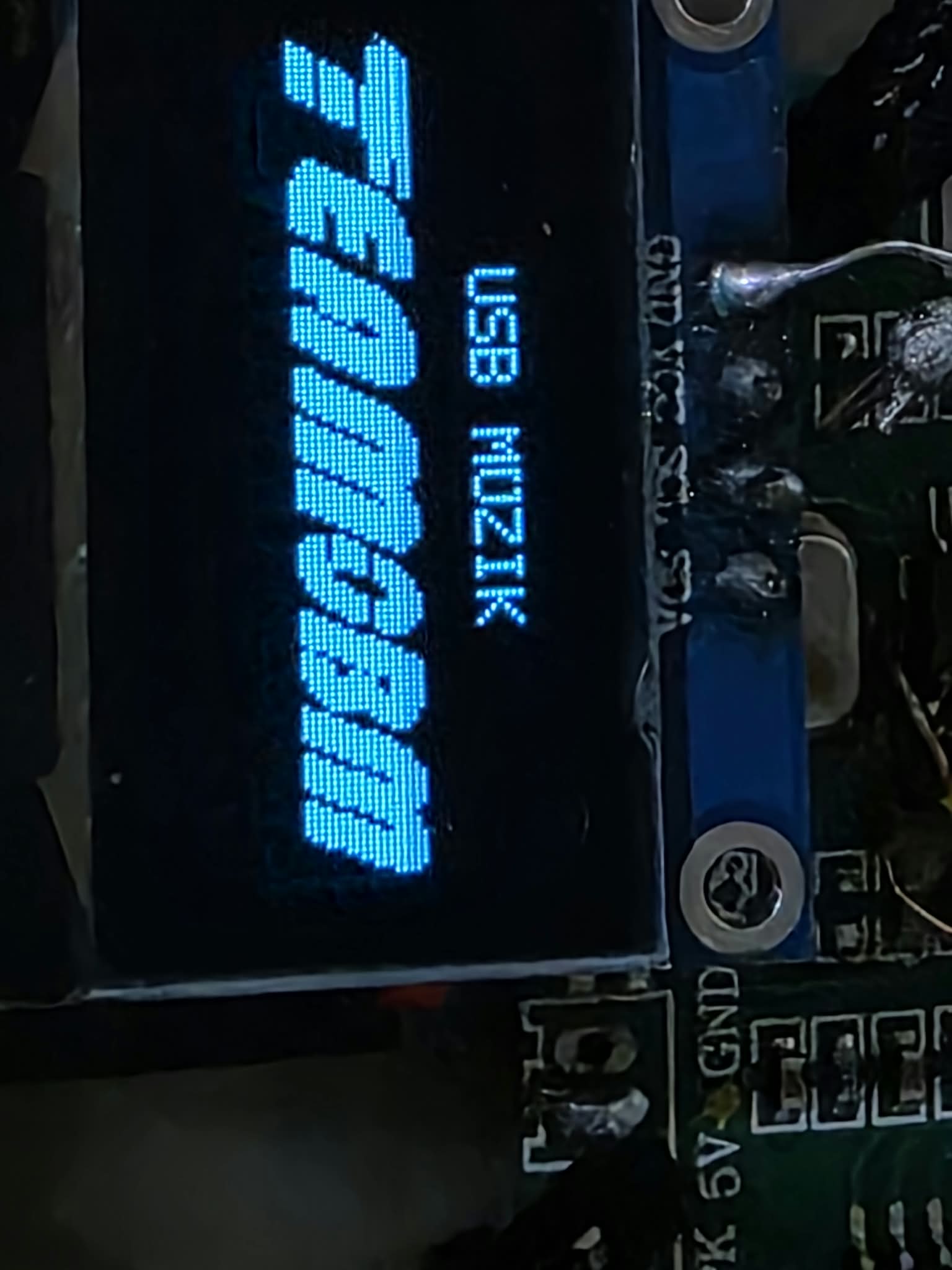


---LINK---
--Password is 1111--
https://drive.google.com/file/d/1iSx3Fa … drive_link
- Подпись автора
Türkiye