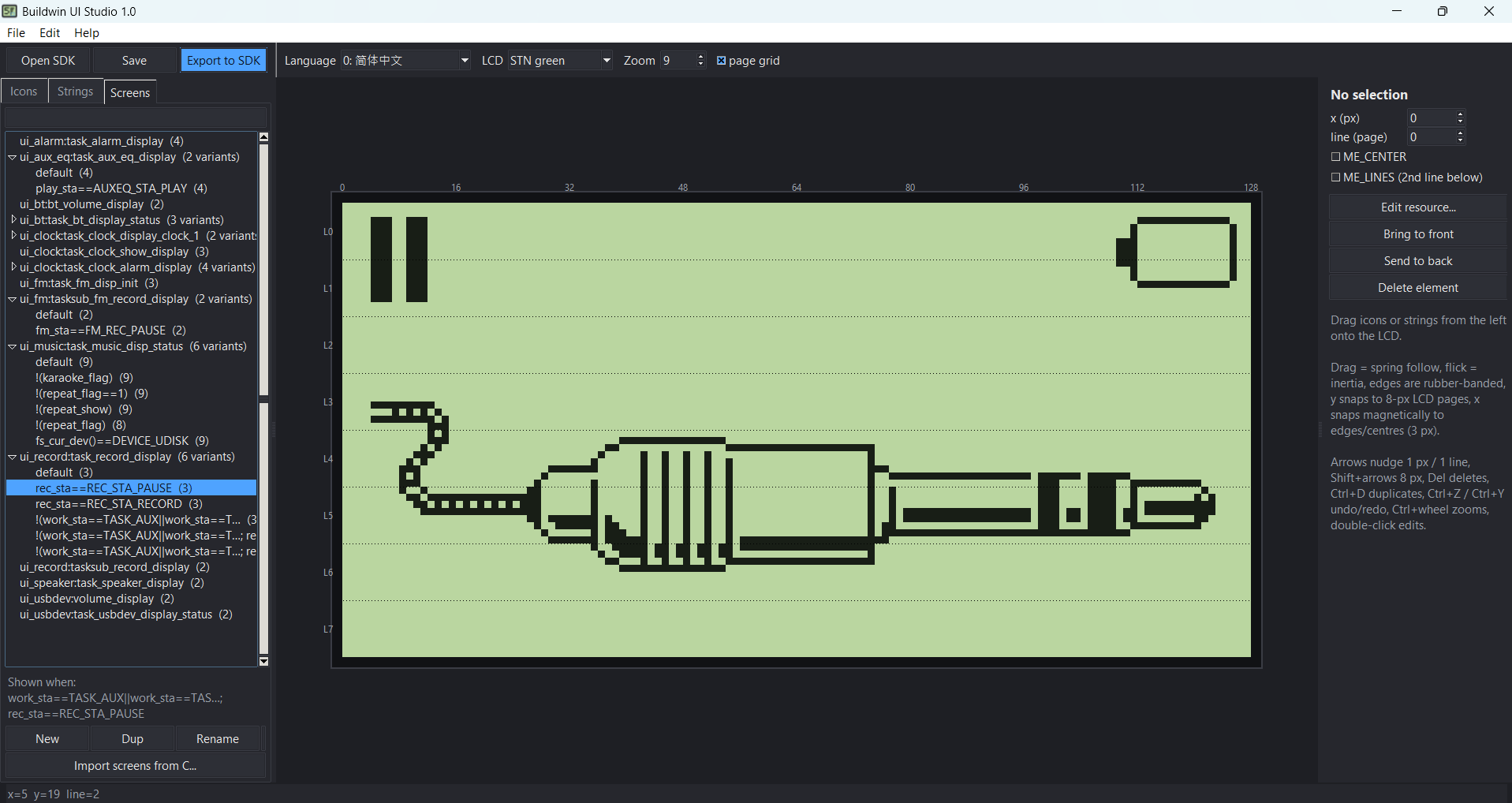
BuildWin UI Studio,
What the editor does:
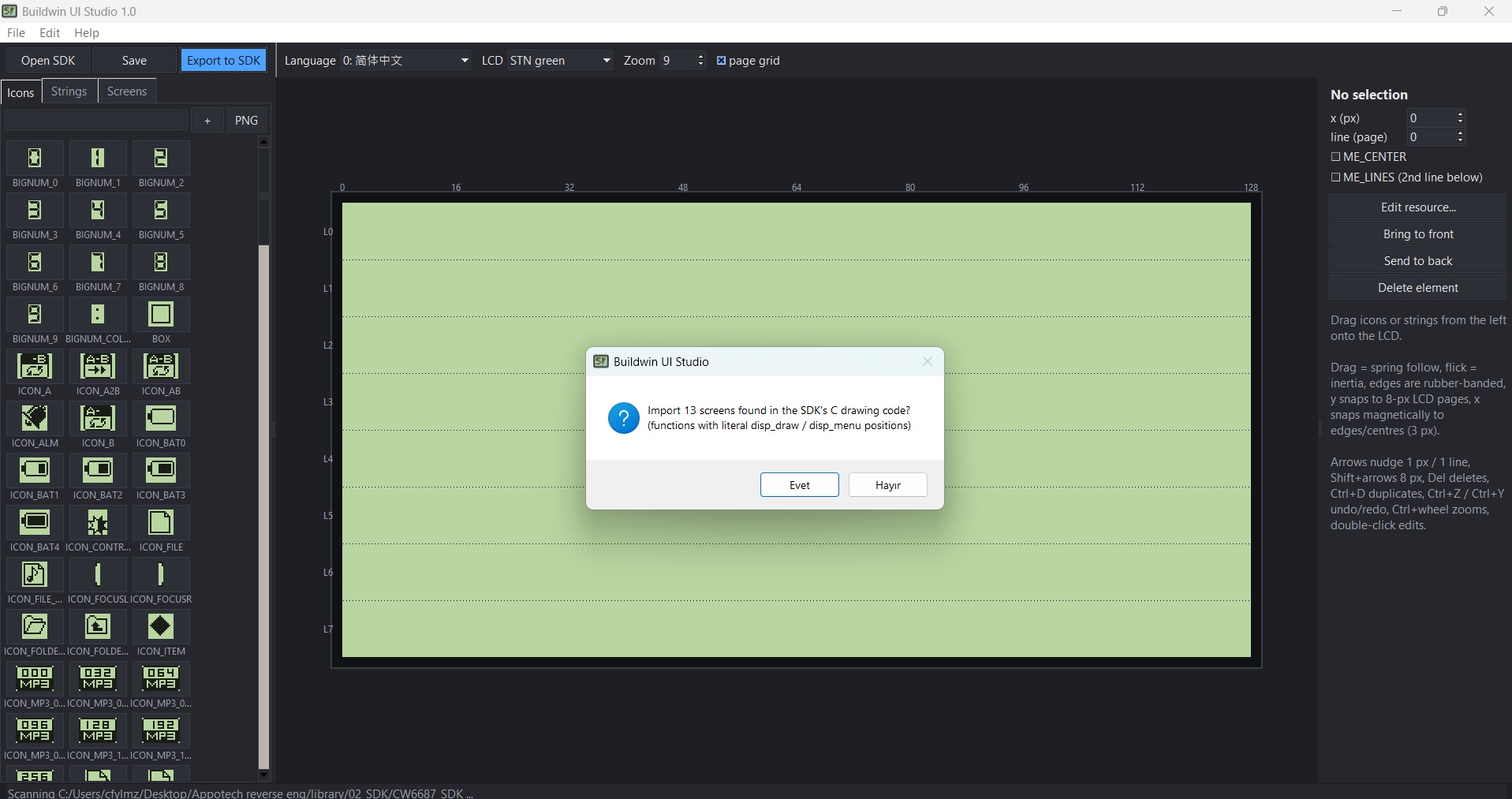
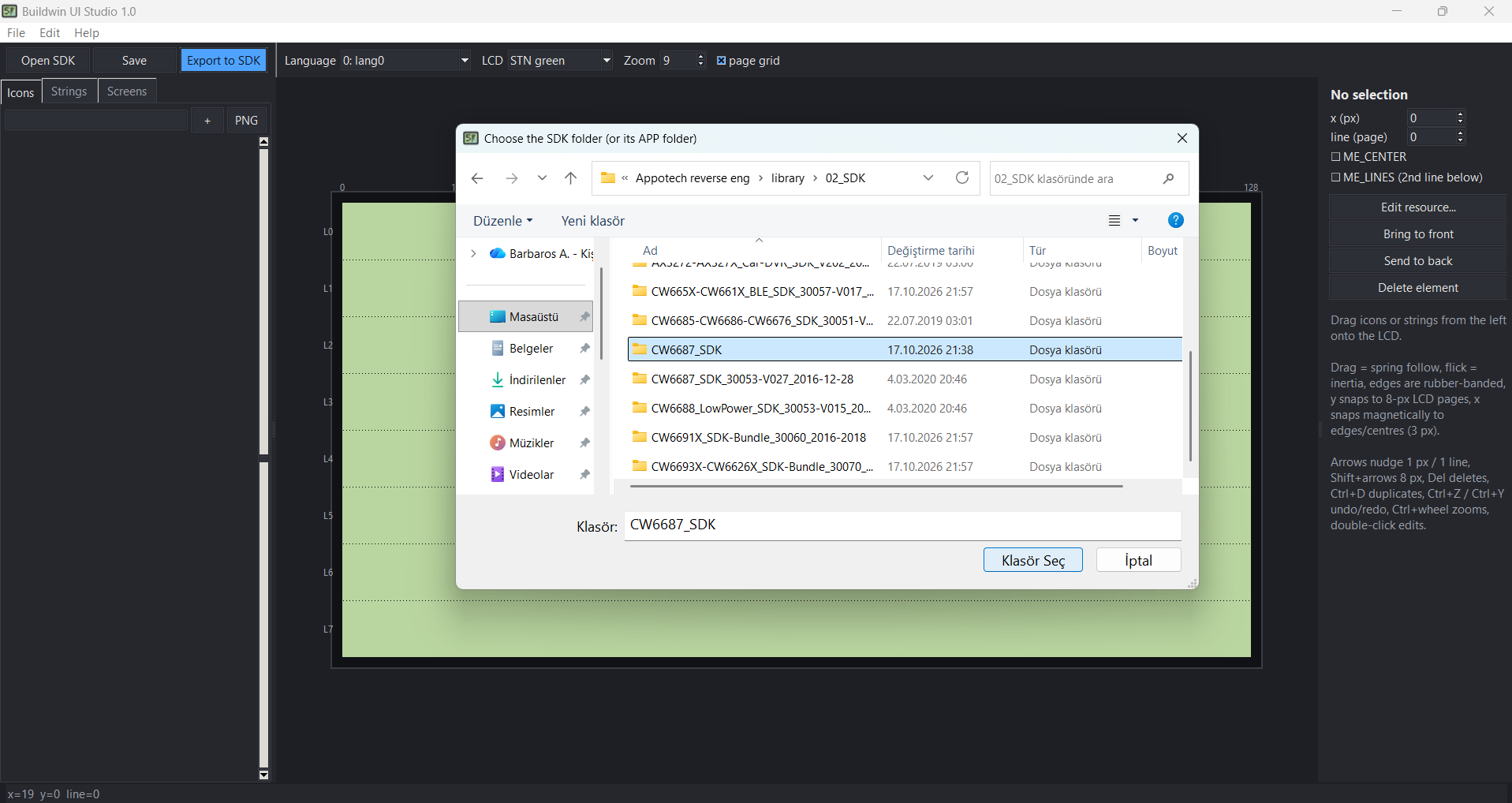
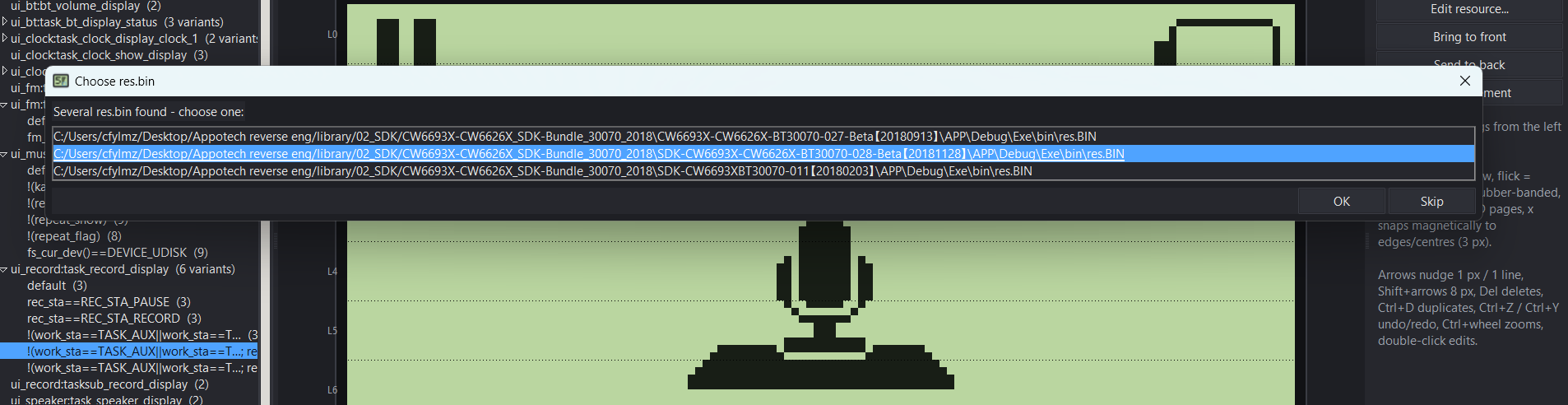
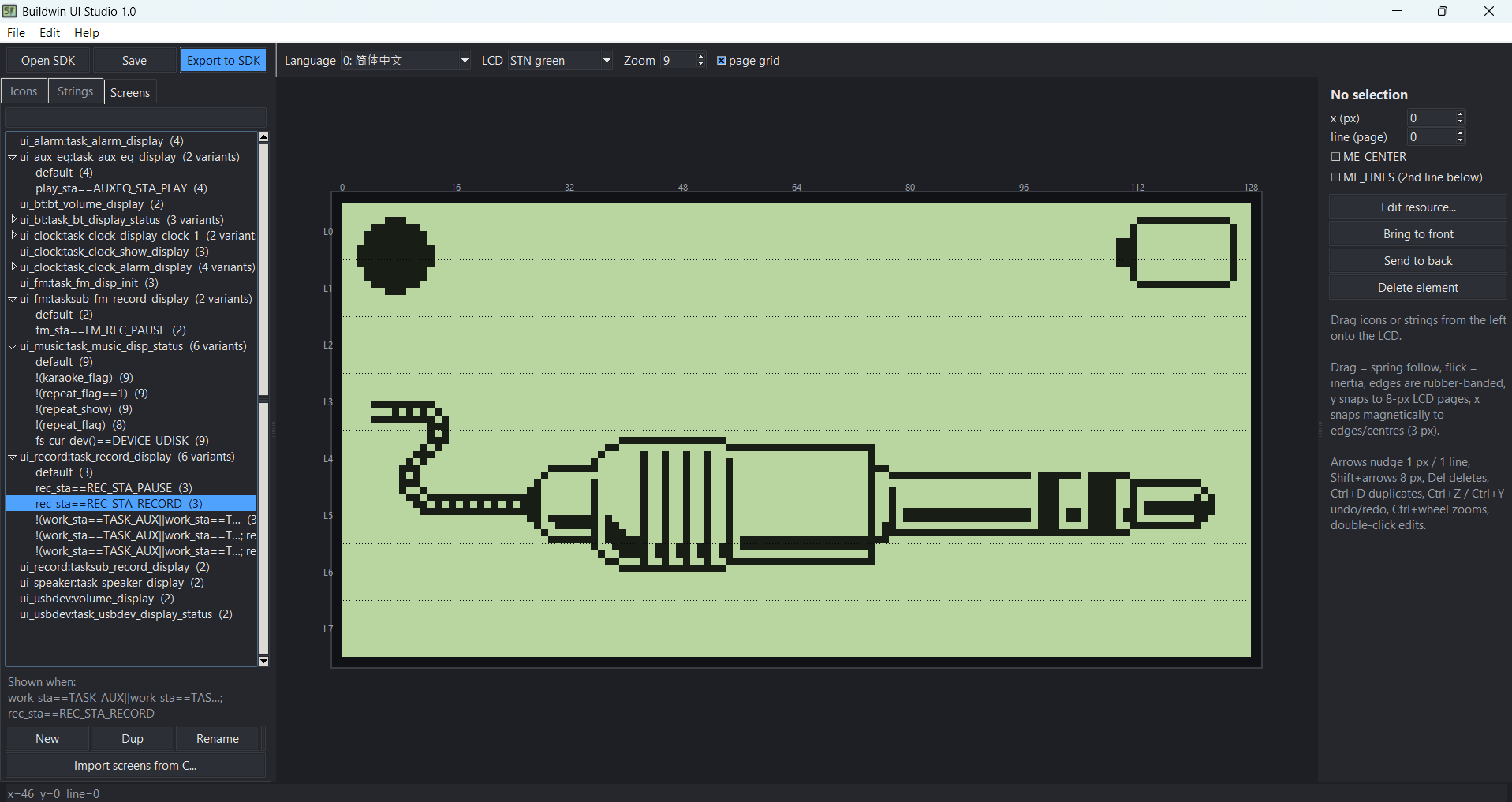
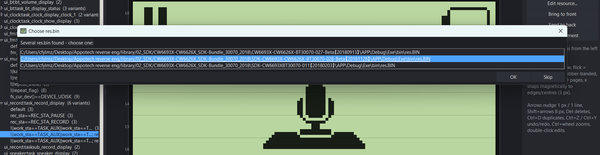
Open SDK: finds res.bin/RES.H, the MenuEdit folder and the UI .c files, and imports the screens drawn in the C code (13 from the CW6687 SDK).
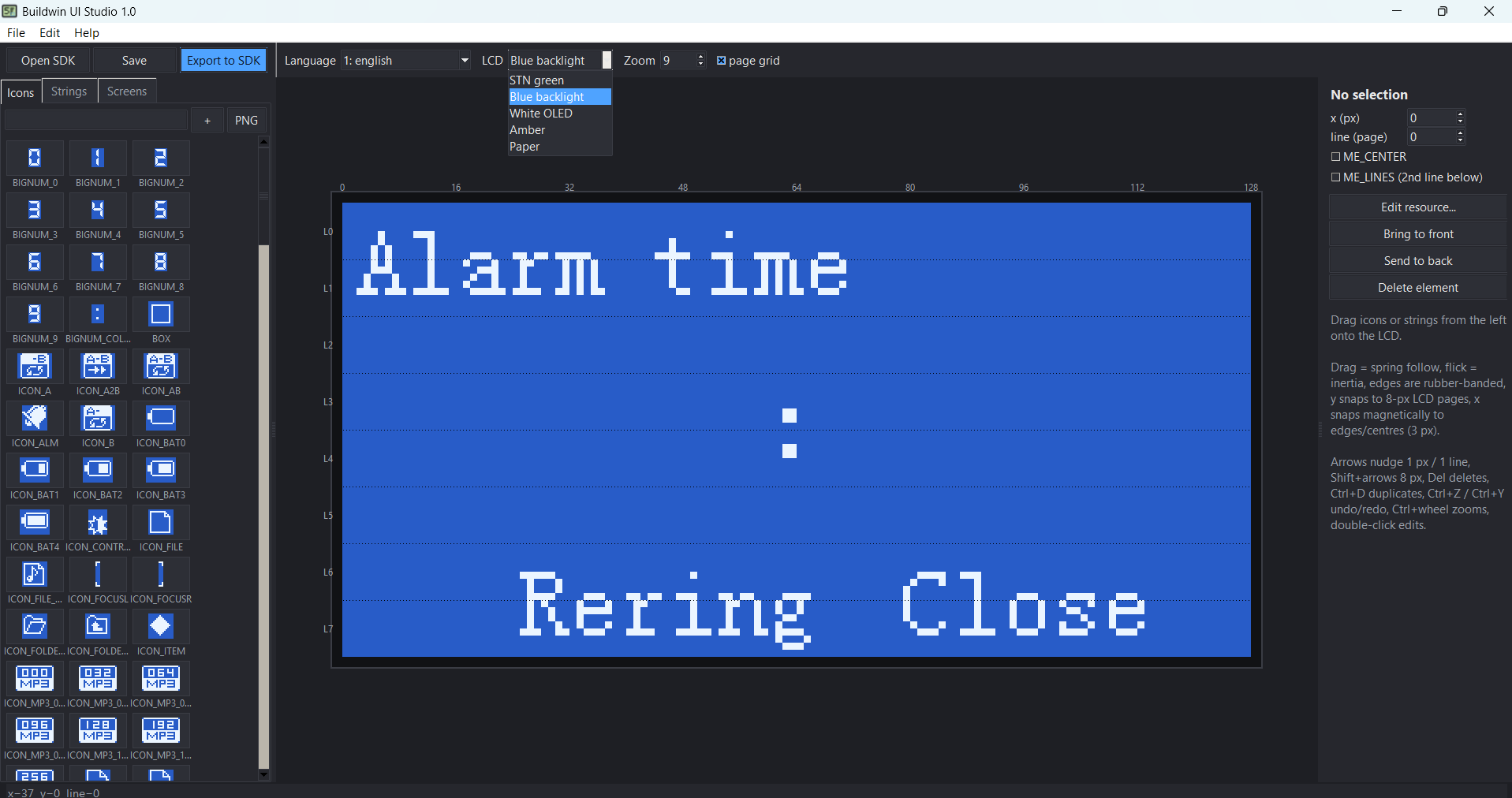
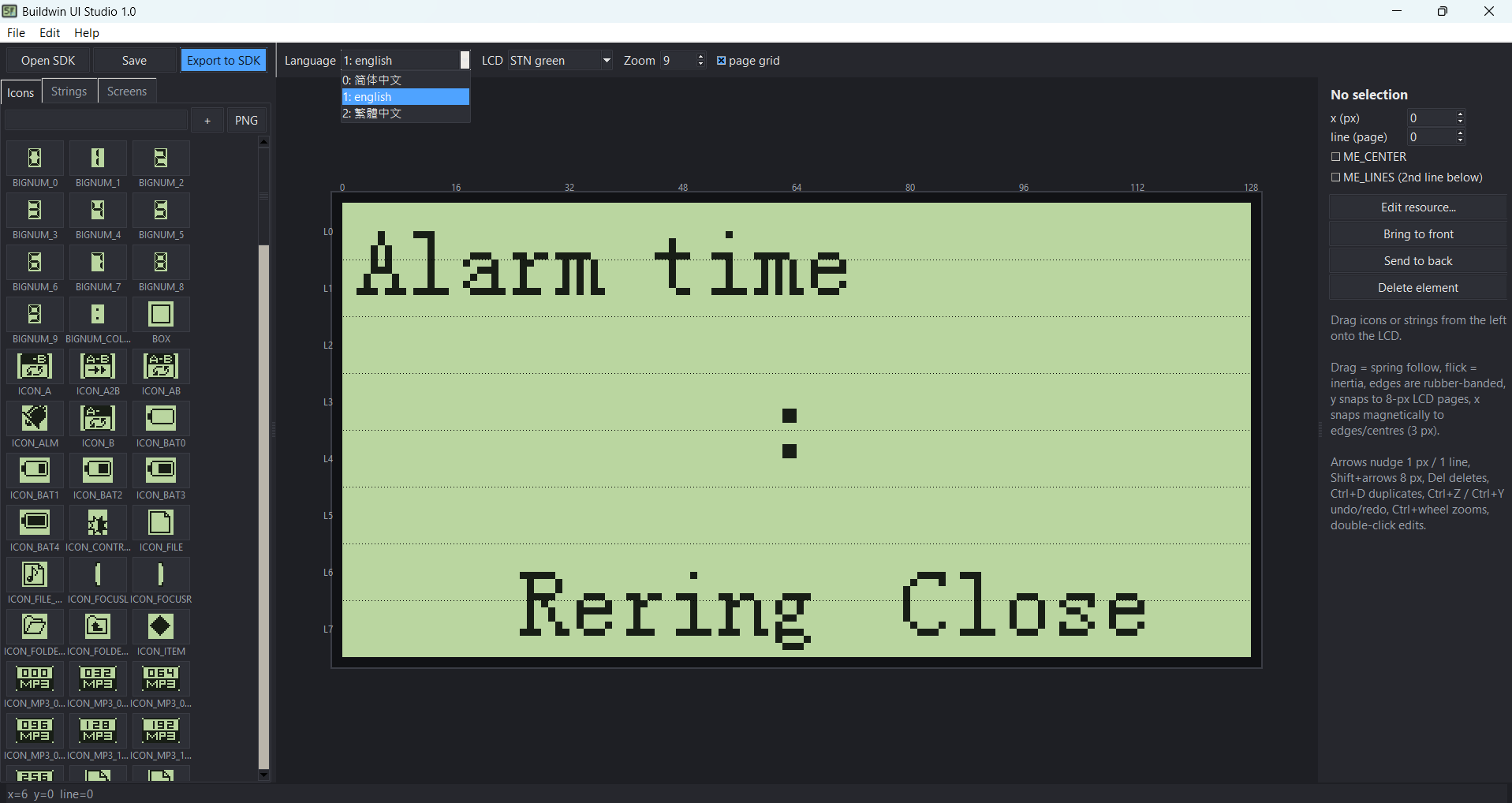
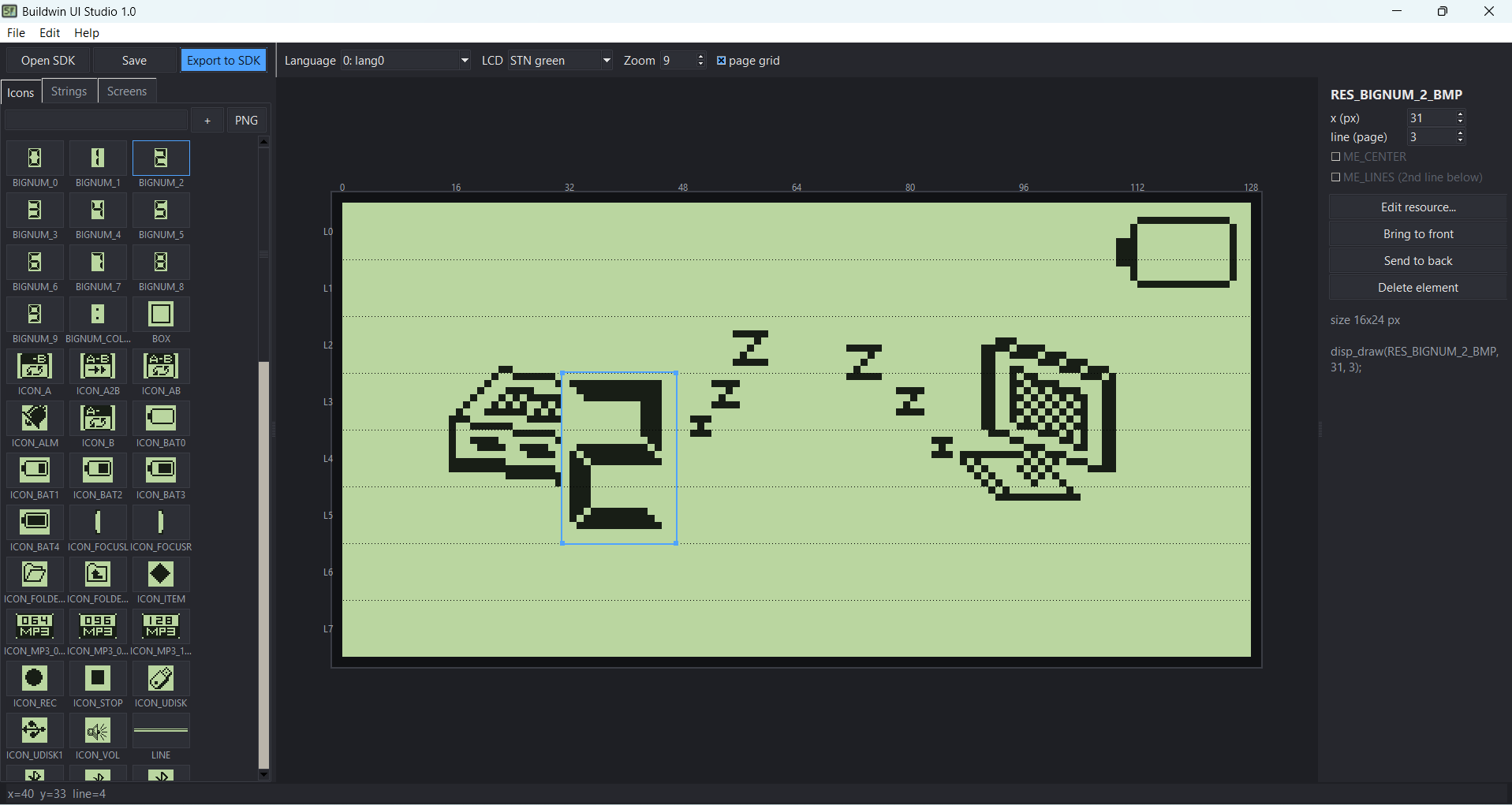
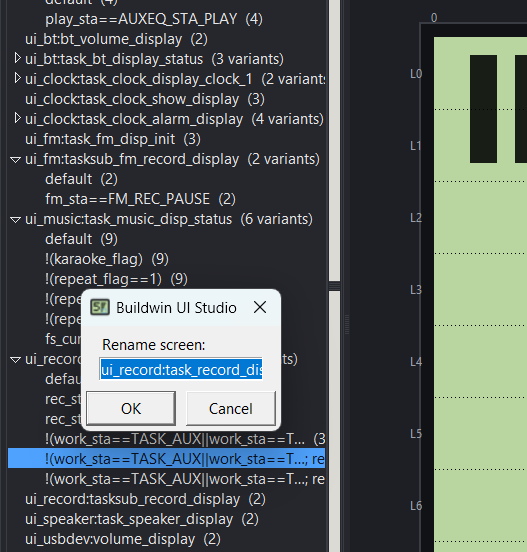
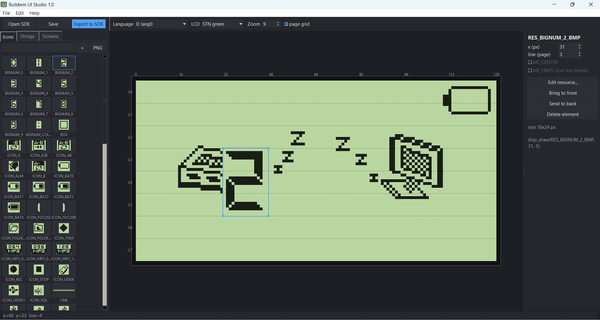
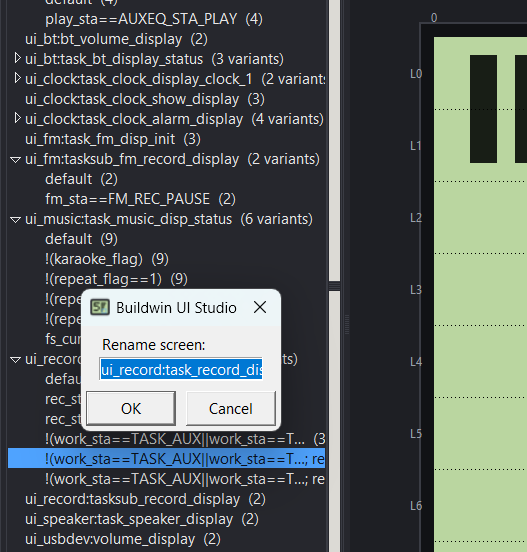
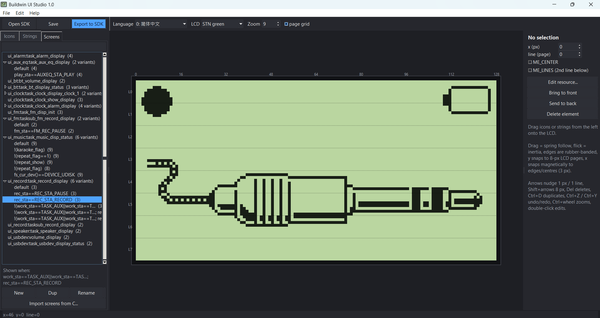
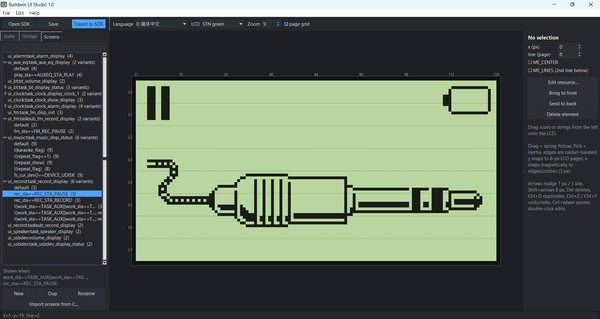
Left panel: a searchable icon list, a string list for the current language, and the screen list. Icons and strings drag onto the LCD.
LCD canvas (128×64):
- A dragged element follows the cursor smoothly.
- Flicking it throws it with momentum, and it settles into place.
- The screen edges stretch and pull back if you drag past them.
- Vertical position snaps to the 8-px rows; horizontal position snaps to edges and centres, with guide lines.
- Arrow keys nudge elements, and there is undo/redo.
Editors: a pixel editor for icons (drawing tools and PNG import/export). A string editor shows every language with a preview drawn exactly as MenuEdit would.
Edit → Add language… turns on the next language slot.
Export to SDK writes:
res.BIN + RES.H (icons)
menu.bin + Menu.h + MenuItemFile.ini (strings)
ui_layout.c/.h, with one drawing function per screen
PNG previews
README_EXPORT.txt, saying which SDK folder each file goes into
Existing icon and string numbers stay the same and new ones are added at the end, so the existing firmware code keeps working.
Limits:
Only static layouts become C code. Parts that change at runtime (frequency digits, volume bars, lists) stay in the SDK’s own code. You can paste the generated lines into those functions.
Characters that weren’t in any SDK menu are drawn with a font on your PC, so they may not exactly match MenuEdit’s output. The string editor flags them.
------------------------------------------------------------------------------------------------------------------------------------------------------------------------------
What MenuEdit actually does. It only turns text into bitmaps. It reads MenuItemFile.ini (up to 31 languages),
draws each string, wraps it at 128 px and keeps at most 2 lines, then writes Menu.bin and Menu.h. It does not hold screen coordinates.
Those are in the firmware’s C code, as disp_menu(STR, x, mov_x, line, mode) for strings and disp_draw(RES, x, line) for icons, where line is an 8-px LCD row.
Every LCD SDK uses these same two calls.
Byte-exact checks. I rewrote the MenuEdit and res.bin conversions in Python, using the exact glyph shapes taken from real MenuEdit output:
Menu.bin: identical for all 3 SDK configurations.
res.bin: identical for the 3 SDK icon sets.
MenuItemFile.ini: identical.
Menu.h: identical for 2 configurations. The CW6686E’s own Menu.h is out of date in the SDK (it stops partway through), so it can’t match.
I am now working on jieli,i will release them as a bundle..
- Подпись автора
Türkiye

 thinking of doing the same for jieli....